Contact & help

Filters
20 items
Sort Topseller
Reduzierung
-
Buy Microsoft Office 2024 Professional Plus – Download -
Microsoft Office 2024 Standard for Mac Key – Instant Download -
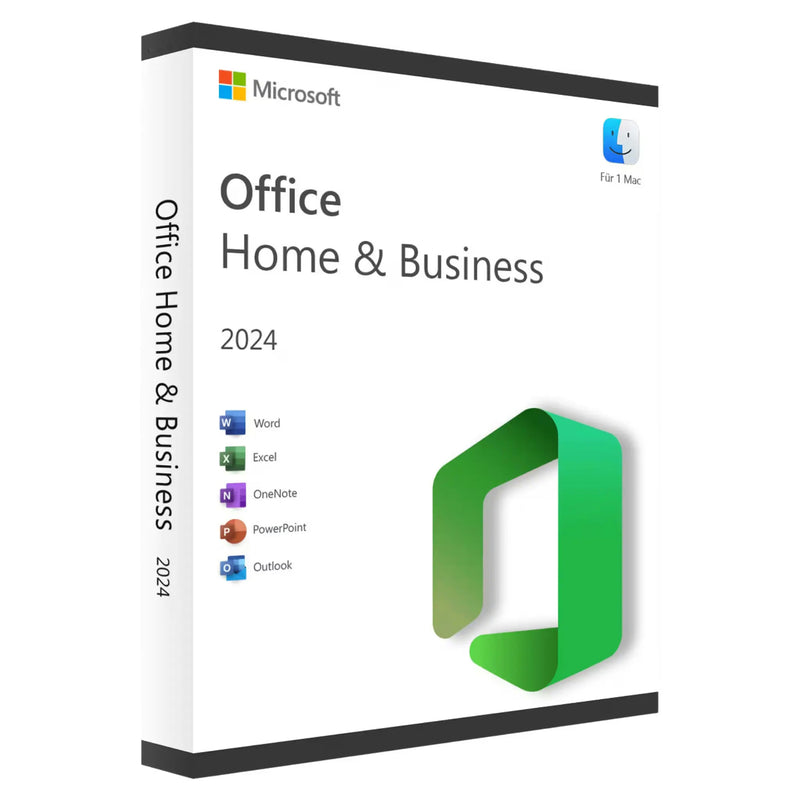
Microsoft Office 2024 Home & Business for Mac | Genuine License -
Microsoft Office 2024 Standard Full Version for Windows – Genuine License | Email Delivery -
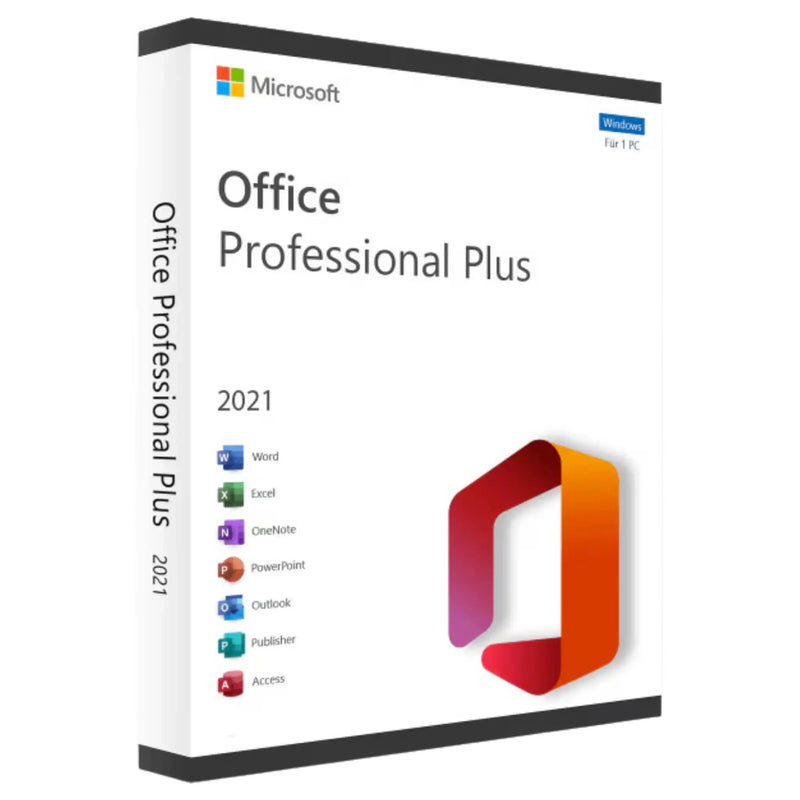
Microsoft Office 2021 Professional Plus – Volume License for 1 PC | Instant Download -
Microsoft Office 2024 Home & Business for Mac – Perpetual License | Instant Download -
Buy Microsoft Office 2021 Home & Business for Mac – Perpetual Licence for 1 Mac | Instant Download -
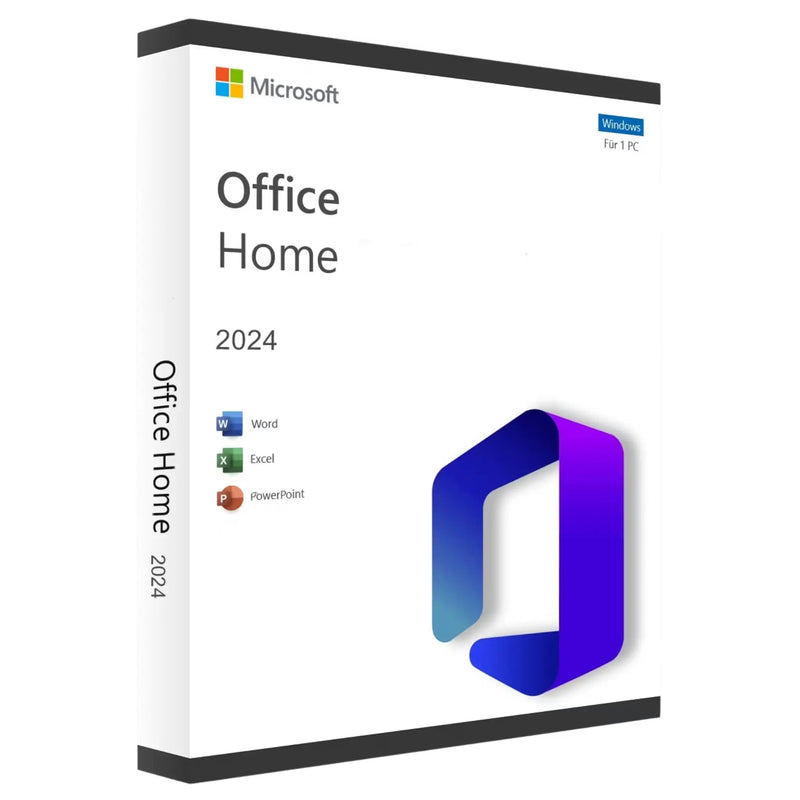
Microsoft Office 2024 Home for Windows – Original License | Email Delivery -
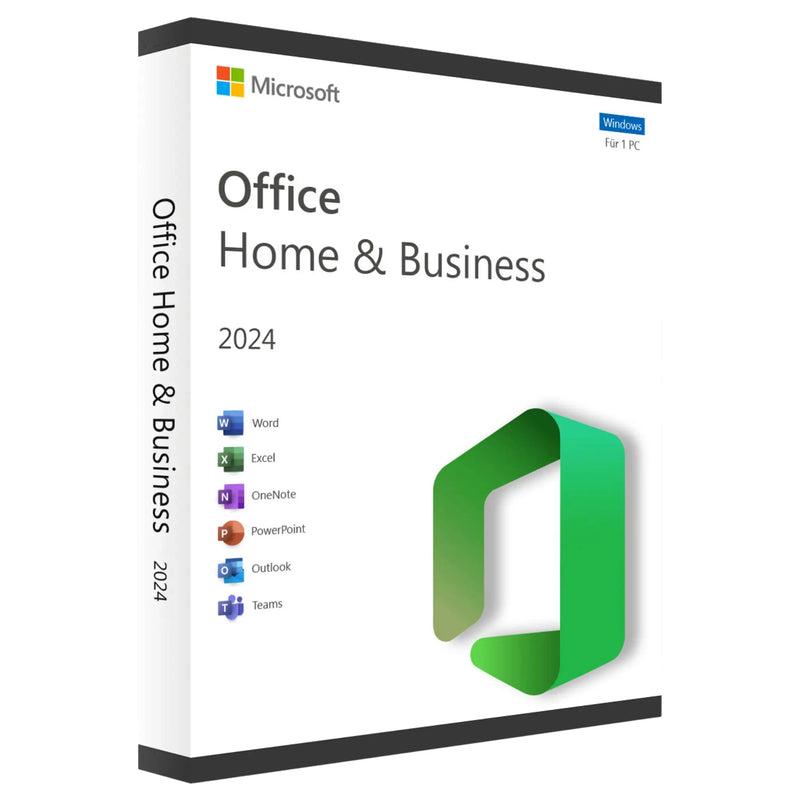
Microsoft Office 2024 Home & Business for Windows – Lifetime License for 1 PC | Instant Download -
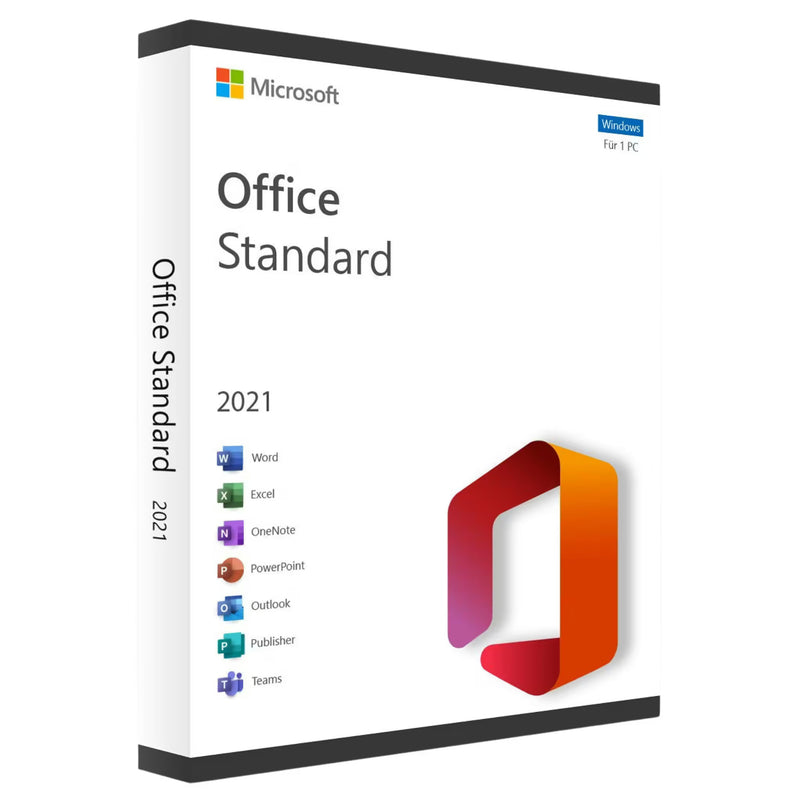
Microsoft Office 2021 Standard Perpetual License – Download & Key for 1 PC -
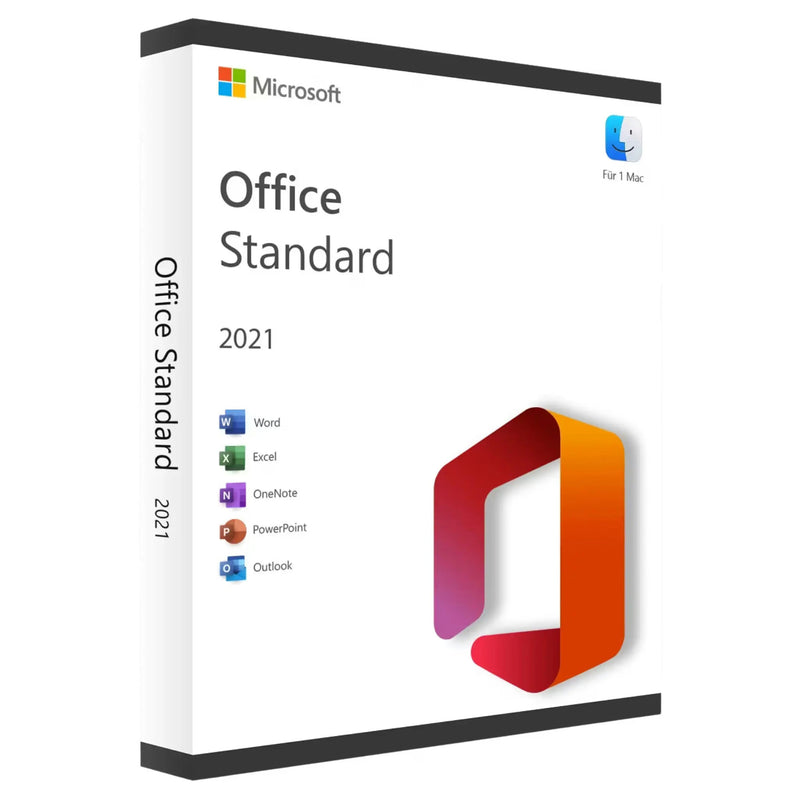
Microsoft Office 2021 Standard for Mac – Product Key & Instant Download -
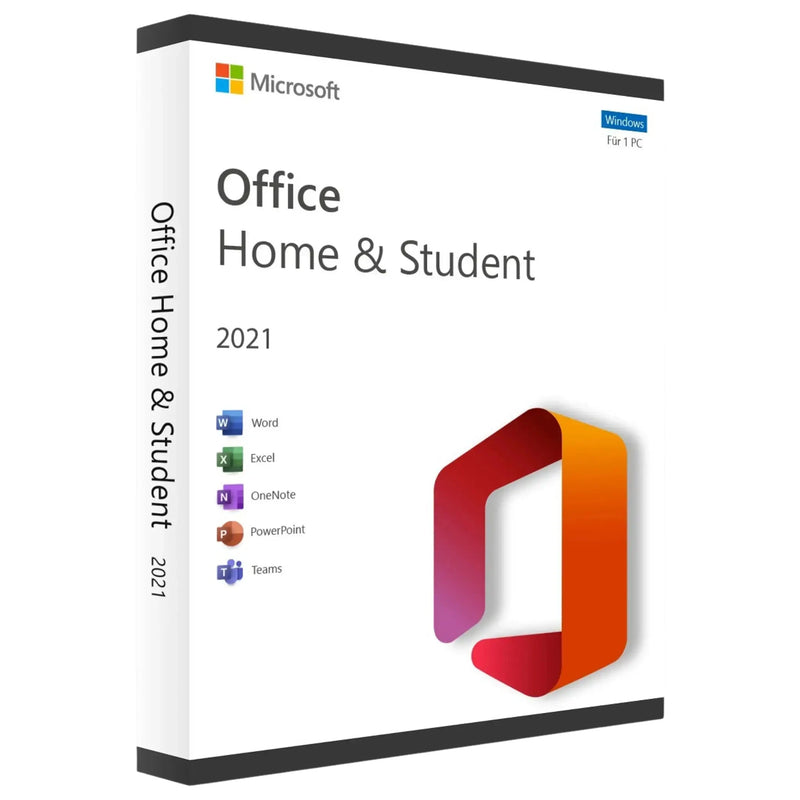
Microsoft Office 2021 Home & Student – Licence for 1 PC | Instant Download -
Microsoft Office 2010 Professional Plus (PC) -
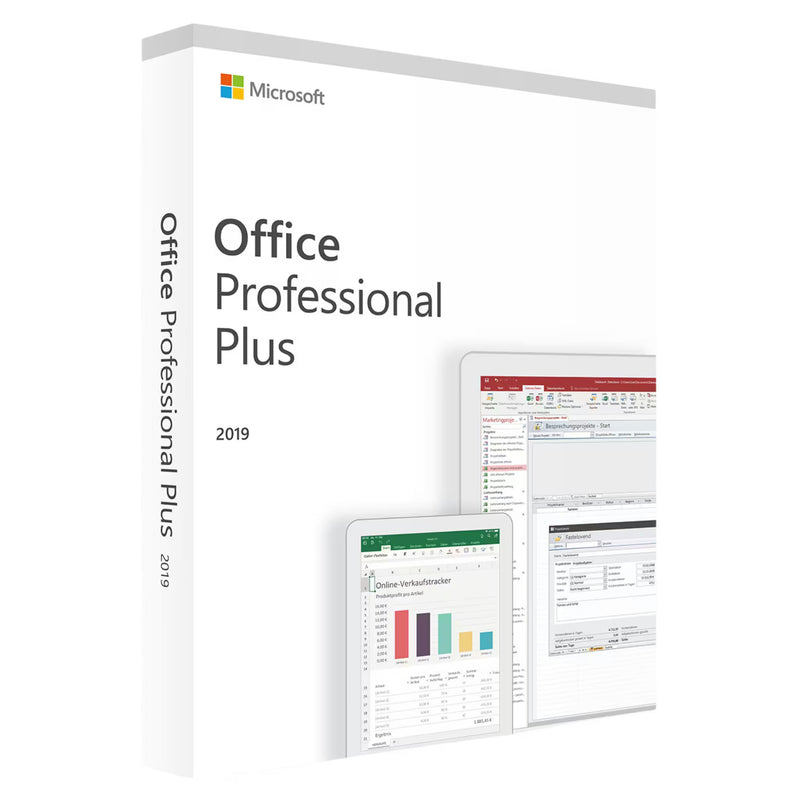
Microsoft Office 2019 Professional Plus for Windows – Genuine License | Email Delivery -
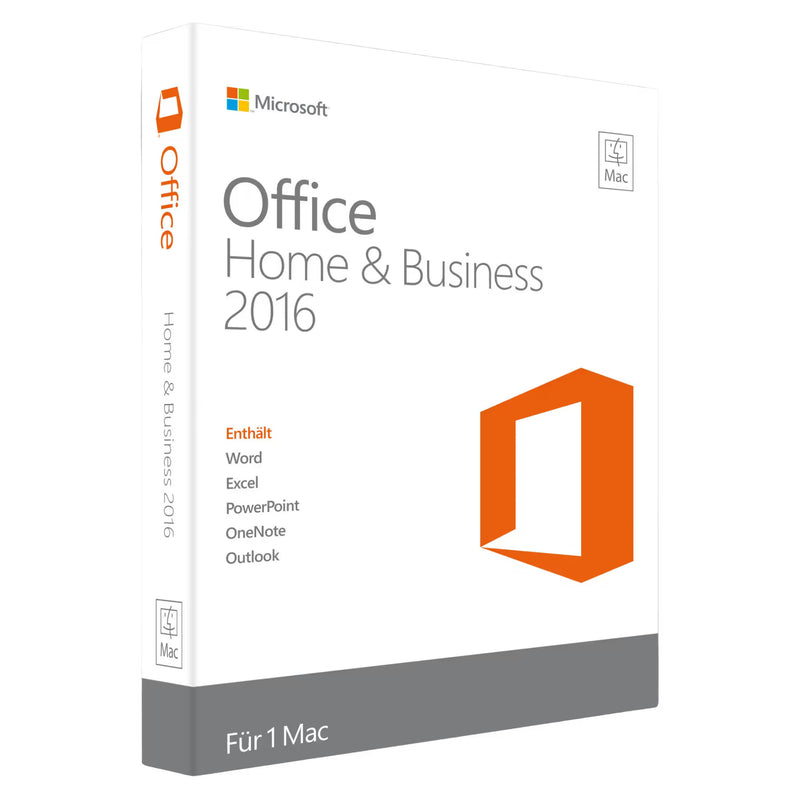
Microsoft Office 2016 Home and Business for Mac -
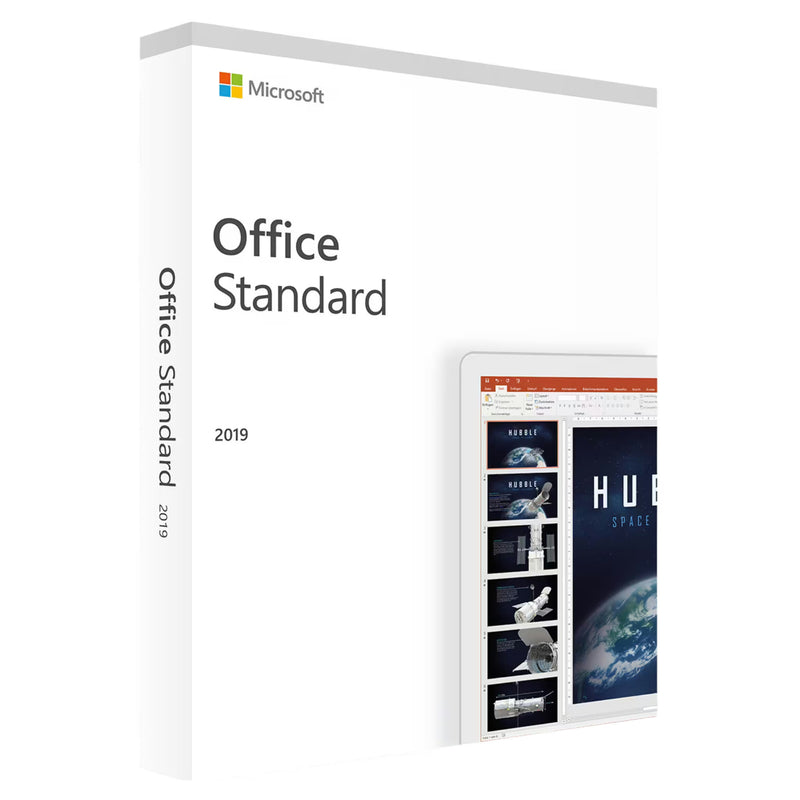
Microsoft Office 2019 Standard Windows Full Version -
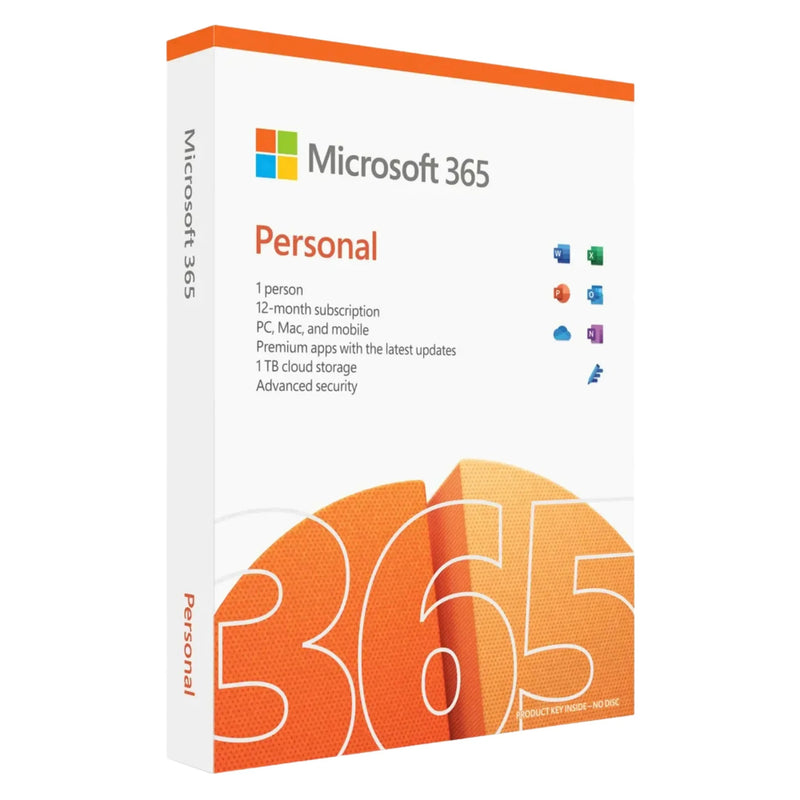
Microsoft 365 Single (formerly Personal) – 1-Year Subscription | Office Apps + Copilot AI + 1 TB ... -
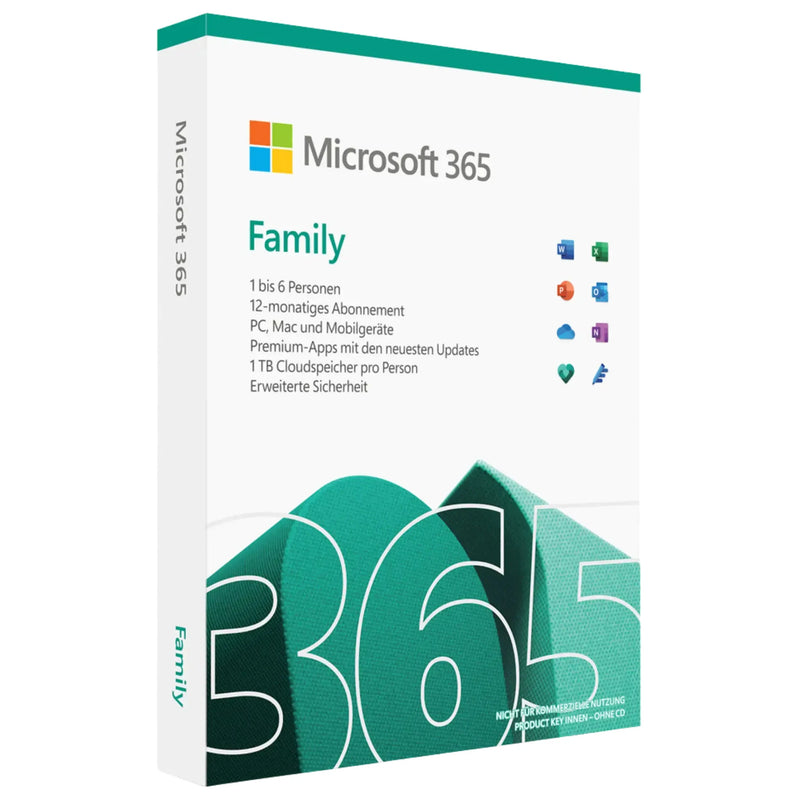
Buy Microsoft 365 Family – 12-Month Subscription for Up to 6 People, 1 TB OneDrive Each -
Microsoft Office Home & Student 2019 (PC) -
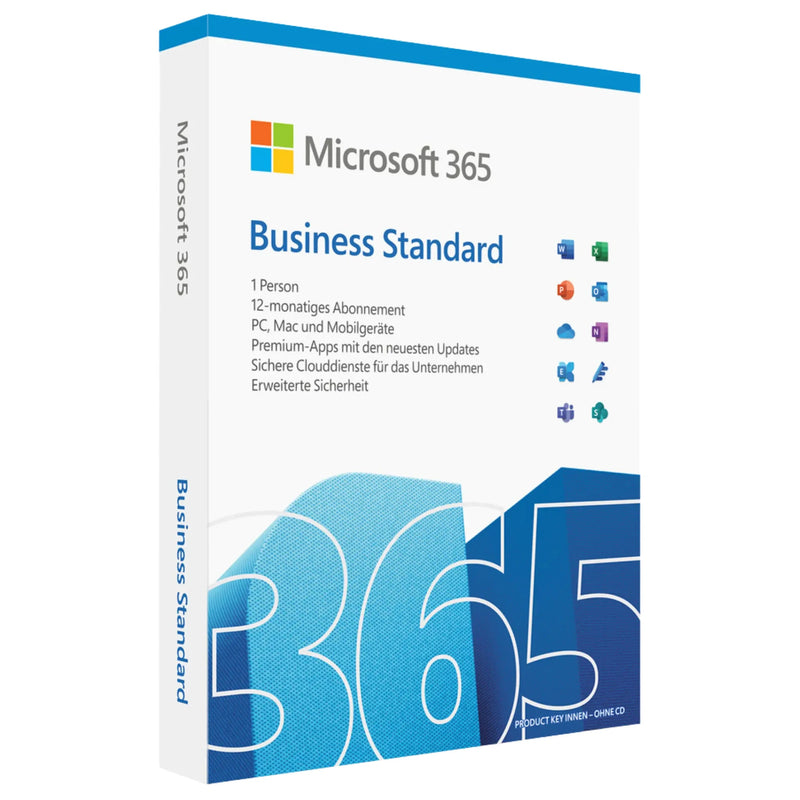
Microsoft 365 Business Standard – Annual Subscription, Office Apps + Teams
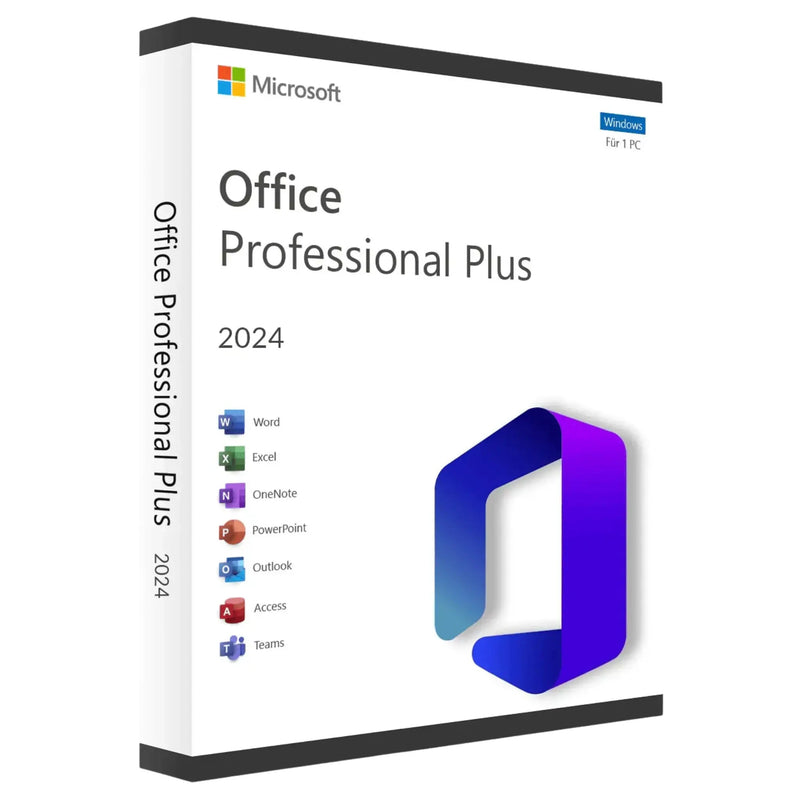
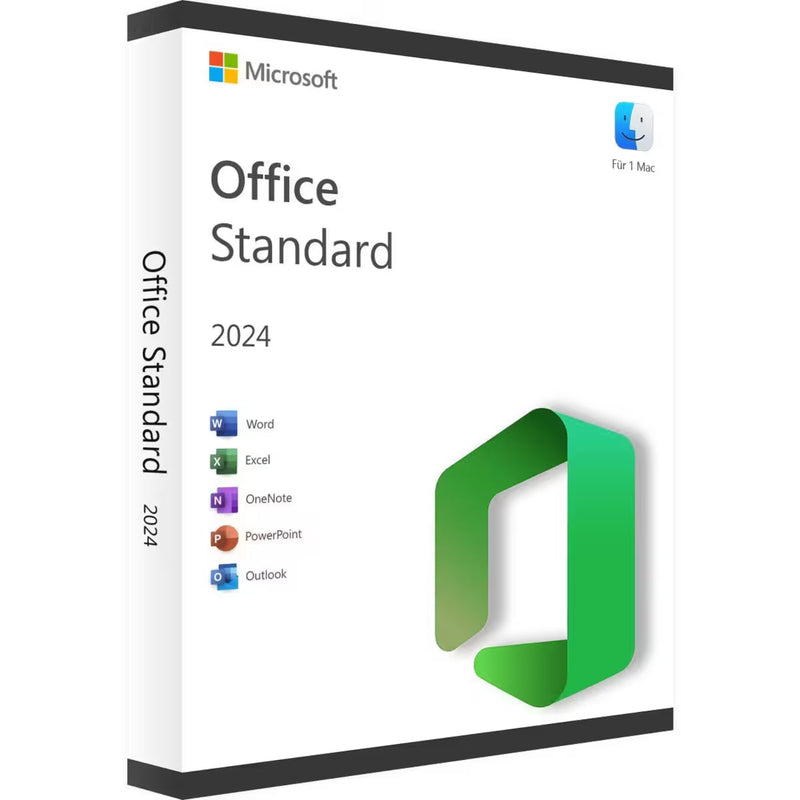
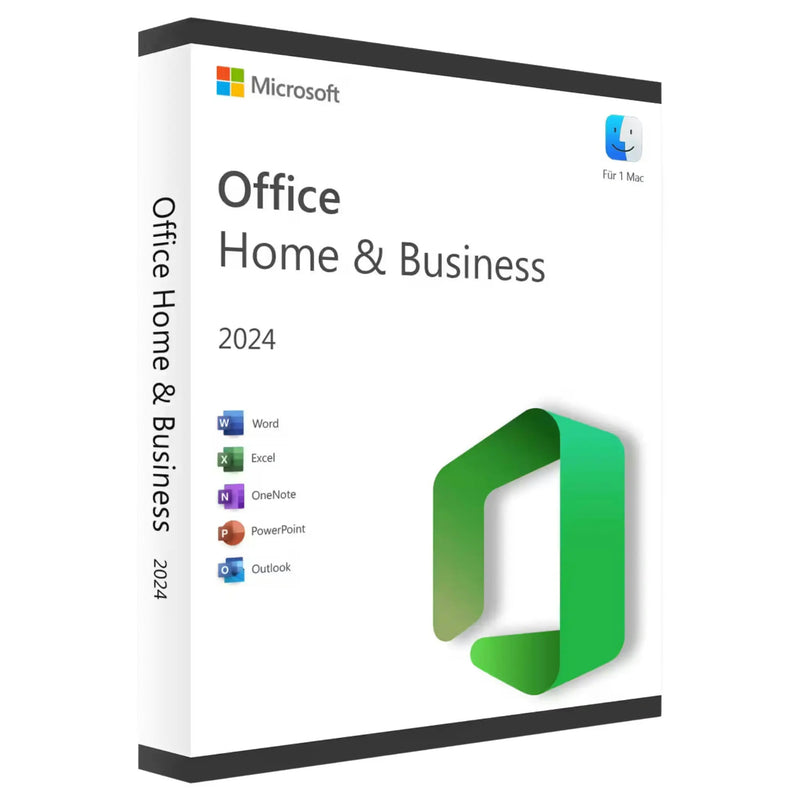


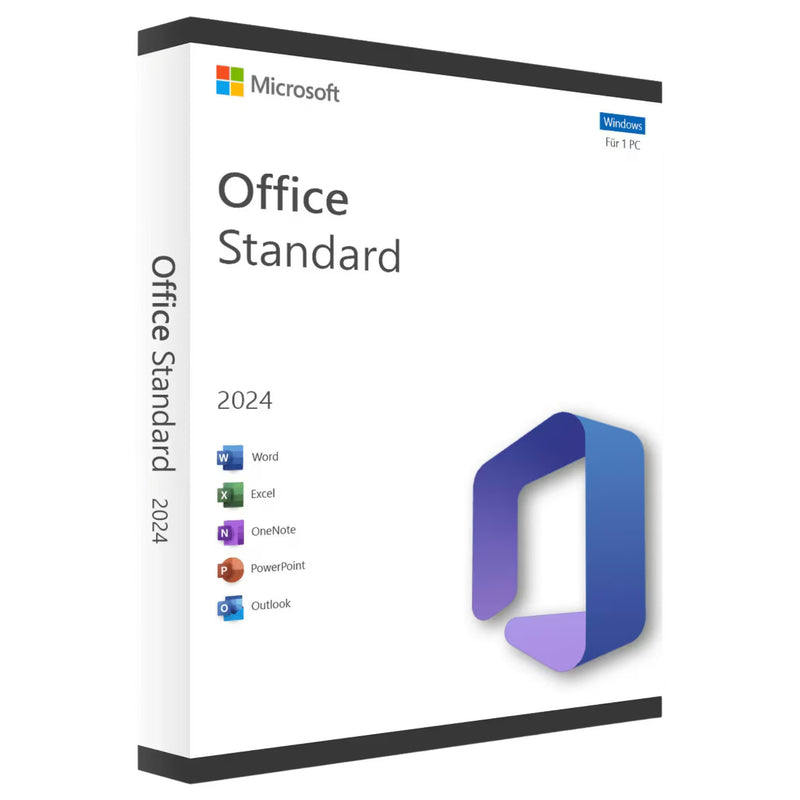















Microsoft Office at KARINEX
Microsoft Office – Perpetual Licence or Microsoft 365
Word, Excel, PowerPoint, Outlook and OneNote – the professional Office suite from Microsoft. As a perpetual licence (buy once, use forever) or as a Microsoft 365 Personal subscription.
At KARINEX you receive your product key digitally by email – within minutes of payment. Including download link, installation guide and an invoice with VAT shown separately.
Delivery
Instantly by email
Platforms
Windows & Mac
Licence types
Perpetual licence & subscription
Guarantee
100-day money-back
Included applications
Depending on the edition you choose, the following Microsoft Office applications are available:
Word
Professional word processing for documents, letters and reports
Excel
Spreadsheets for analysis, accounting and data evaluation
PowerPoint
Presentations for meetings, talks and training sessions
Outlook
Email, calendar and contacts – from the Home & Business edition
OneNote
Digital notebook for ideas, sketches and research
Available versions
We stock current and older Office versions as well as Microsoft 365 – suitable for every device and every need:
Office 2024
Current version – improved performance, native Apple Silicon support, new features
Office 2021
Proven perpetual licence – stable, reliable and supported long term
Office 2019
For users who need an older version with proven functionality
Microsoft 365
Annual subscription with Office apps and 1 TB of OneDrive cloud storage
Older versions
Office 2016 and Office 2010 for specific hardware or compatibility requirements
Editions at a glance
Microsoft offers various Office editions for different requirements:
Home & Student
Word, Excel, PowerPoint and OneNote – ideal for home use and studies
Home & Business
Additionally with Outlook – for the self-employed and small businesses
Standard
Extended Office suite for professional users and businesses
Microsoft 365 Personal
Annual subscription for one person with OneDrive cloud storage and continuous updates
Why buy Office from KARINEX?
01
Instant digital delivery – product key within minutes of payment by email
02
German-language support – Personal help with installation and activation
03
Secure payment – SSL-encrypted with Klarna, Apple Pay and more
04
Invoice with VAT – Fully tax-deductible for the self-employed and businesses
05
100-day money-back guarantee – If you are not satisfied, we will refund the full purchase price
Choose the Office version that suits you below. If you have questions about the right edition, our German-language support is available by email at any time.
Buying guide: Microsoft Office. Versions, editions and licences in detail
Microsoft Office has been the standard for word processing, spreadsheets and e-mail at work and at home for decades. Anyone buying an Office licence today faces three questions: which version (2024, 2021 or an older one), which edition (Home and Student to Professional Plus) and which licensing model (perpetual licence or Microsoft 365). This guide answers all three, so you buy exactly the licence that fits your work — without spending a single euro on features you don't need.
The Office versions over time: from 2010 to 2024
Office 2024 is the current perpetual-licence generation. It brings the latest versions of Word, Excel, PowerPoint and Outlook, improved performance and modern features such as dynamic charts and extended Excel formulas. Anyone buying today for the years ahead should choose Office 2024 Professional Plus or, without Access and Publisher, Office 2024 Standard.
Office 2021 remains the best value-for-money option in the range: fully supported, barely distinguishable from 2024 in everyday use, and noticeably cheaper. Office 2021 Professional Plus is one of the best-selling licences in our shop; we also carry Office 2021 Standard and Office 2021 Home and Student.
Office 2019 and 2016 are the choice for older computers and fixed compatibility requirements. For an honest assessment: support for both ended in October 2025, so there are no more security updates. For existing machines and offline workstations, Office 2019 Standard and Office 2019 Home and Student remain usable; for new installations we recommend 2021 or 2024.
We also carry Office 2010 as Professional Plus for very old hardware and special cases. Support ended back in October 2020; it only really makes sense on systems without a permanent internet connection.
Which edition suits you?
- Home and Student: Word, Excel, PowerPoint and OneNote for private and academic use. No commercial use, no Outlook.
- Home and Business: adds Outlook plus the right to commercial use. The standard choice for the self-employed and freelancers.
- Standard: the business edition with Word, Excel, PowerPoint, Outlook, OneNote and Publisher, traditionally sourced via volume licensing.
- Professional Plus: the full package including Access (databases) and Publisher (layouts). For anyone who wants the complete feature set; thanks to volume-licence resale, often surprisingly affordable.
Rule of thumb from our advisory practice: anyone using Outlook professionally needs at least Home and Business. Anyone using Access or Publisher can't avoid Professional Plus. Everyone else gets the best value with Home and Student or Standard.
Perpetual licence or Microsoft 365?
You pay for an Office perpetual licence once and use it indefinitely, with no follow-up costs. Microsoft 365 is the subscription model: always the latest features, 1 TB of OneDrive storage, but ongoing costs, year after year. For most private users and the self-employed, the perpetual licence pays for itself within a few months; the subscription is worthwhile mainly if cloud storage and multiple devices per person are genuinely used. You'll find a detailed calculation with concrete figures in our guide Buying Office 2024 as a perpetual licence.
System requirements and installation
Office 2021 and 2024 require Windows 10 or Windows 11 (or the respective current macOS versions for the Mac editions). Storage requirements are around 4 GB; Office runs without issue on any computer bought in the last few years. Installation takes only a few minutes: download the installation files directly from Microsoft (you'll receive the link with your delivery e-mail), run the setup, enter the product key on first launch, done. Activation runs via Microsoft's servers; after that, Office is permanently unlocked.
Frequently asked questions about Office licences
Can I transfer my Office licence to a new PC? This depends on the licence type stated in the product description. Retail licences may move to the old device after deactivation; device-bound licences remain on the first PC.
Does a Windows Office licence also work on a Mac? No, the platforms have separate licences. For Apple computers, you'll find all editions in the Office for Mac category.
Is the language fixed? No. Office product keys are language-neutral; you choose German, English and other languages during download or in the Office settings.
Do I also need Visio or Project? Only if you need them: Visio for diagrams and network plans, and Project for project planning, are standalone programs with their own licence and are not included in any Office package.
What applies for companies with many workstations? From several licences upward, it's worth a quick enquiry via our B2B page: consolidated invoicing, a single point of contact, and terms for multiple orders.
We're continually expanding our range with further Office versions and editions. If you're missing a particular edition, let us know via live chat; our German-speaking team answers daily from 06:00 to 23:00.