


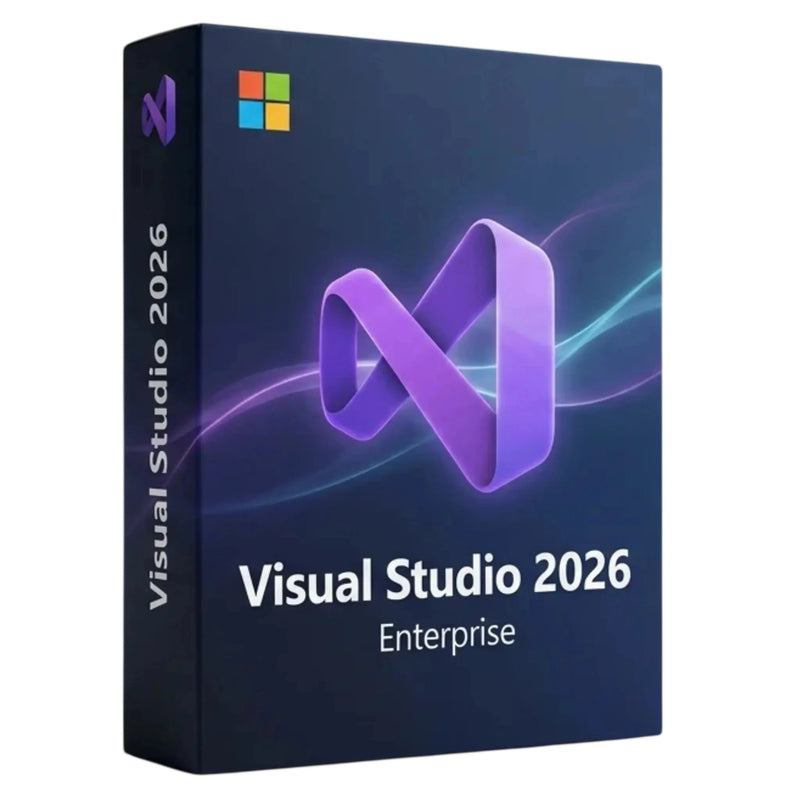

Buy Visual Studio 2026 Enterprise – Full Version + One-Time Purchase for 1 PC
✔ Product key instantly via email
✔ Support guarantee on activation


Buy together
This bundle deal is still available today:
13
HRS
43
MIN
02
SEC
Buy Visual Studio 2026 Enterprise – Full Version + One-Time Purchase for 1 PC
179,00 €
- Availability
- Instantly by e-mail after payment
- Right of withdrawal
- 14 days (statutory)
- One-time payment
- no recurring fees
- Customer service
- English · daily 8 am–11 pm
- Invoice
- With VAT shown separately
- Brand
- Microsoft
- Download guide
- Installing Visual Studio 2026 – Step-by-Step Guide
- Microsoft Partner Center
- Registered · Partner-ID 7018124
- Platform
- Windows
- Language
- German · Multilingual
- Article number
- 688651
Choose a product
Error – please try again
No products found
Visual Studio 2026 · Enterprise · One-Time Purchase for Windows
Visual Studio 2026 Enterprise. Buy once, develop forever.
Microsoft's complete development environment for professional teams. With .NET 10, C# 14, integrated GitHub Copilot, and the Enterprise tools for testing, diagnostics, and architecture. As a one-time purchase for one Windows PC, delivered instantly by e-mail.
- Instantly by e-mail
- Product key
- Valid forever, no subscription
- Support Mon.–Sun.
At a glance
Product type
One-time purchase (ESD)
Devices
1 PC
Platform
Windows 10 (22H2) and 11, 64-bit
Edition
Enterprise
Delivery
Instantly by e-mail (key + download)
Term
Unlimited, no subscription
You are purchasing a product key (ESD) for Microsoft Visual Studio 2026 Enterprise for permanent use on one Windows PC. Activation takes place via the official Microsoft servers and is linked to your Microsoft account.
Proof of purchase is provided by Karinex's proper invoice showing 19% VAT.
For digital products, the statutory right of withdrawal of 14 days applies from conclusion of the contract, even after the product key has been delivered.
Why buy from Karinex
- Microsoft product keyActivatable via the official Microsoft servers.
- Instant delivery in under 5 minutesProduct key by e-mail immediately after payment is received.
- German-speaking supportHelp with installation and activation, Mon.–Sun.
- Proper invoice with 19% VATTax-deductible for businesses and the self-employed.
- Verified retailerRegistered Microsoft partner with thousands of confirmed reviews.
What you receive
- Product keyKey for Visual Studio 2026 Enterprise, delivered digitally by e-mail.
- Download linkFor the installation file from Microsoft (64-bit setup).
- InstructionsGerman-language step-by-step guide for installation and activation.
- InvoiceProper invoice showing 19% VAT.
- Support until activationGerman-speaking help until Visual Studio is up and running.
There is no physical delivery. You will not receive a DVD, any packaging material, or a product box.
What Visual Studio 2026 offers
.NET 10 and C# 14
Current frameworks and language features for modern applications.
GitHub Copilot integrated
AI-powered code suggestions directly in the development environment.
Faster performance
Large solutions load up to twice as fast, using around 30% less memory compared to Visual Studio 2022.
Modern Fluent Design
A clean, easy-on-the-eyes interface with an optimized dark mode.
.NET MAUI instead of Xamarin
Cross-platform app development with the current framework.
Broad language support
C#, C++, F#, Python, JavaScript, and TypeScript in one environment.
Git and GitHub integrated
Version control and collaboration directly in the editor.
Live Share
Real-time collaboration: work on and debug the same code together.
Enterprise-exclusive features
These tools are included exclusively in the Enterprise edition and are aimed at teams with high requirements for quality, diagnostics, and architecture.
Live Unit Testing
Automatic test execution in the background while you code.
Time Travel Debugging
Record execution and step forward and backward through it to pinpoint intermittent bugs.
Architecture and modeling tools
Dependency diagrams and analysis for clean software architecture.
IntelliTrace
Historical debugging for quickly analyzing hard-to-reproduce bugs.
Snapshot debugger
Snapshots of running applications without interrupting operation.
Advanced testing tools
Comprehensive tools for automated testing and quality assurance.
Professional or Enterprise?
Both editions are one-time purchases for 1 PC. Enterprise additionally includes the tools for testing, diagnostics, and architecture.
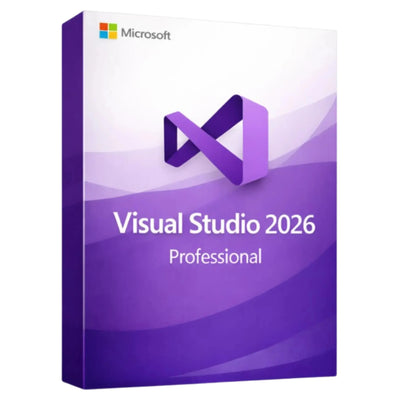
 VS 2026 Enterprise
This page |
 VS 2026 Professional
View product → |
|
|---|---|---|
| One-time purchase (ESD), 1 PC | ✓ | ✓ |
| .NET 10 and C# 14 | ✓ | ✓ |
| GitHub Copilot integrated | ✓ | ✓ |
| .NET MAUI, cross-platform | ✓ | ✓ |
| Debugging and profiling (standard) | ✓ | ✓ |
| Live Unit Testing | ✓ | – |
| Time Travel Debugging | ✓ | – |
| IntelliTrace | ✓ | – |
| Snapshot debugger | ✓ | – |
| Architecture and modeling tools | ✓ | – |
There is also the free Community edition for individual developers, students, and open-source projects.
System requirements
Operating system
Windows 10 (22H2), Windows 11, also Windows Server 2019, 2022, 2025
Processor
x64 (AMD64) or ARM64, quad-core minimum
Memory
At least 4 GB, 16 GB recommended
Storage
20 to 50 GB typical, up to 210 GB fully installed (SSD recommended)
Display
1366 x 768 or higher
Internet and account
Required for download and activation
Installation in 5 steps
- Check your e-mailThe product key and download link arrive immediately after payment is received.
- Download the installation fileVia the included link, from Microsoft's servers.
- Start the installationSelect the required workloads in the Visual Studio Installer.
- Sign in with your Microsoft accountSign in and redeem the product key.
- Activate and get startedThe product is linked to your account and unlocked permanently.
A free Microsoft account is required for download and activation. The product is permanently linked to this account.
Support & payment
Our team is happy to help you Mon.–Sun. from 08:00 to 23:00 (German local time) via WhatsApp, e-mail, and live chat, until Visual Studio is up and running for you.
Pay securely with Klarna, credit card, SEPA direct debit, giropay, and purchase on invoice. Payment is SSL-encrypted.
Frequently asked questions
What do I receive after purchase?
You will receive by e-mail the product key for Visual Studio 2026 Enterprise, a download link, a German-language installation guide, and an invoice showing VAT.
Is this a one-time purchase?
Yes. You receive a permanently usable version for one PC with no subscription and no recurring costs.
Does Visual Studio 2026 run on Mac?
No. Visual Studio 2026 is available exclusively for Windows (Windows 10 22H2, Windows 11, and Windows Server). There is no dedicated Mac version of this edition.
What is the difference between Enterprise and Professional?
Enterprise additionally includes Live Unit Testing, Time Travel Debugging, IntelliTrace, the snapshot debugger, and architecture and modeling tools. For smaller teams, Visual Studio 2026 Professional is often sufficient.
Is GitHub Copilot included?
Visual Studio 2026 comes with GitHub Copilot integration built in. A suitable GitHub Copilot account is required to use the AI features.
Do I need a Microsoft account?
Yes. A free Microsoft account is required for download and activation. The product is permanently linked to your account.
How fast is delivery?
Within a few minutes by e-mail after payment is received. For bank transfer, 1 to 2 business days.
On how many PCs can I install it?
The product key is intended for activation on one PC. Simultaneous use on multiple devices is not permitted.
What about the right of withdrawal?
The right of withdrawal of 14 days applies from conclusion of the contract, even after the key has been delivered.
Further reading
- Visual Studio 2026 ProfessionalThe right edition for individual developers and smaller teams
- Microsoft Windows 11 ProCompatible operating system, one-time purchase with security updates
- Microsoft Office 2024 Professional PlusFull-featured for office and administration, no subscription
- All Visual Studio editionsProfessional, Enterprise, and other developer tools at a glance
Product type. Product key (ESD) for Microsoft Visual Studio 2026 Enterprise with an unlimited term, for use on one Windows PC.
Delivery method. Exclusively digital by e-mail, no physical delivery.
Activation. Via the official Microsoft servers, with a free Microsoft account, to which the product is permanently linked.
Proof of purchase. The proper Karinex invoice.
Trademarks. Microsoft, Visual Studio, IntelliTrace, GitHub, and .NET are registered trademarks of Microsoft Corporation or its affiliated companies. The trademarks are used exclusively to describe the product. Karinex is an independent reseller.
Right of withdrawal. Statutory right of withdrawal of 14 days. For digital product keys, it runs from conclusion of the contract and also applies after the key has been delivered.
NO SUBSCRIPTION
One-time payment, no hidden costs
Instant download
Available immediately after purchase
- Instant download after purchase
- Product key instantly via email
- One-time purchase – no subscription, no monthly fees
- Easy online activation with guide
- Manufacturer: Microsoft
- Product type: Software
- Compatible operating system: Windows
- Internet connection for download & activation
- Sufficient free disk space
- See product description for details
Ready to go.
Product keys delivered by email within seconds. Instant download & activation with German support.
Quick help
Tell us what you want to use the software for and on which device. We will recommend the right product.
Quick help
A photo of the error message or the error code (e.g. 0xC004F074) helps us help you right away. You can attach the photo directly below.
Quick help
You will find step-by-step guides in our guide section. Otherwise, tell us the product and your operating system.
Quick help
For an invoice with company details, please give us your order number, company name and address.
Quick help
Tell us the product and quantity. We will prepare an individual quote for you.
Exclusively for you
Wait a moment!
Get 5% off your order – with this code:
Offer valid for 15:00
Help & support
Frequently Asked Questions
Quick answers about Microsoft products
Answers about:
Still have questions?
We’re happy to help.
What does "full version" mean for Visual Studio 2026 Enterprise?
You get the full feature set of the Enterprise edition with no restrictions, no trial period and no subscription lock-in – including Live Unit Testing, IntelliTest, architecture tools, GitHub Copilot and the extension marketplace, usable permanently on one device.
How does Enterprise differ from Professional?
Enterprise includes all the features of the Professional edition and adds IntelliTest, Live Unit Testing, architecture and modelling tools, plus advanced diagnostics with IntelliTrace and Snapshot Debugger – built for large teams and complex codebases.
Does Visual Studio 2026 work on Mac?
No. Visual Studio 2026 is only available for Windows 10/11 (64-bit). For Mac we recommend VS Code or JetBrains Rider.
Is GitHub Copilot included?
The IDE integration is included. For the AI features you need a GitHub account.
Which programming languages are supported?
C#, F#, Visual Basic, C++, Python, TypeScript, JavaScript, HTML/CSS, SQL and more – over 25 languages via workloads and extensions.
Can I still use my Xamarin projects?
Microsoft has removed Xamarin from VS 2026. For cross-platform development we recommend migrating to .NET MAUI.
Is this a one-time purchase?
Yes. The Visual Studio 2026 Enterprise full version is a one-time purchase – no subscription and no recurring costs.
On how many PCs can I install it?
This full version is intended for activation on one PC. Simultaneous use on multiple devices is not permitted.
Can I run Visual Studio 2026 alongside 2022?
Yes. Visual Studio 2026 is designed for side-by-side installation with Visual Studio 2022 – ideal for risk-free testing before migrating.
Do I also get updates?
Yes, all security and bug-fix updates within the Visual Studio 2026 product line are free. Major updates to future versions require a separate purchase.
Will my extensions from Visual Studio 2022 work?
Yes. Over 4,000 marketplace extensions for Visual Studio 2022 are compatible with the 2026 version.
What about the right of withdrawal?
The right of withdrawal of 14 days applies from conclusion of the contract, even after the key has been delivered. For product keys, the statutory 14-day withdrawal period applies in full.
How do I activate Visual Studio 2026 Enterprise?
After installation, enter the product key in Visual Studio under Help → Register Product. Visual Studio 2026 Enterprise is then permanently unlocked. Our support team is happy to help free of charge.
How quickly will I receive my product key?
Instantly. Right after your payment is confirmed, your product key is automatically generated and delivered by email usually within about 30 seconds – including the download link and a step-by-step guide.
What if the activation does not work?
Our German-speaking support helps you with the activation via email, WhatsApp or live chat – usually within 10 minutes. Just tell us your order number. Your statutory rights remain unaffected.
Does the product key expire at some point?
No. It is a one-time purchase with no subscription, no recurring fees and no time limit. Buy once, use forever.
Will I receive a VAT invoice for my accounting?
Yes. A PDF invoice with separately listed VAT (19%) is automatically sent with your product key – fully deductible and GoBD-compliant.
How does the right of withdrawal work?
The statutory right of withdrawal of 14 days from conclusion of the contract applies to product keys (§ 355 BGB). This also applies if we have already delivered the key to you.
Customer reviews
You might also like
Similar products
A quick question about our site
Did you find all the information you needed?
- 0 Very dissatisfied
- 0 Dissatisfied
- 0 Neutral
- 0 Satisfied
- 0 Very satisfied