


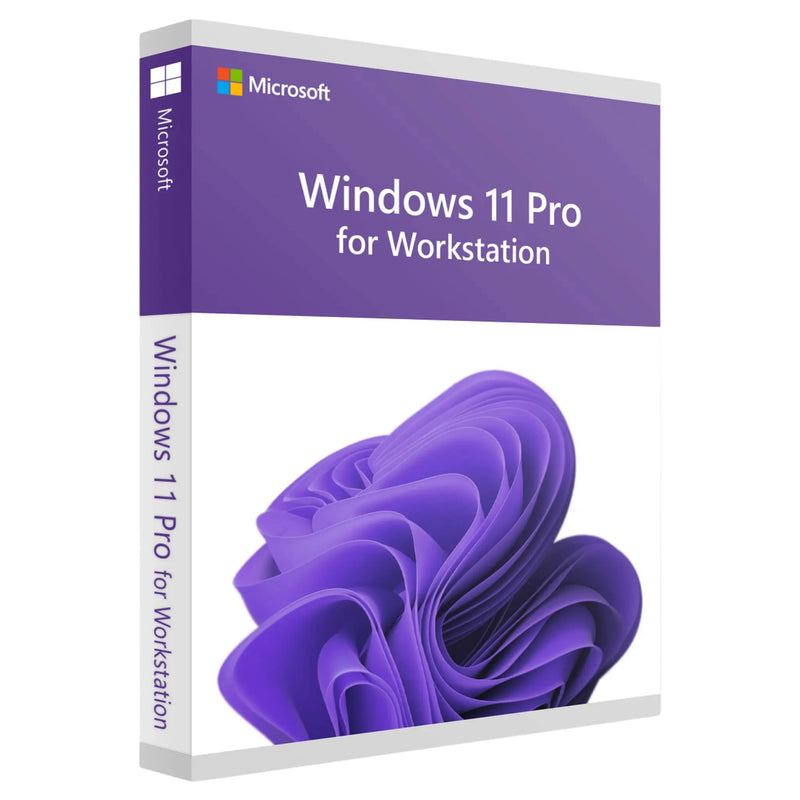


Buy Windows 11 Pro for Workstations cheap – One-time purchase for 1 PC | Instant download
Instant download
Directly via email
Product key via email
Instantly available
Product description
Microsoft Windows 11 Pro for Workstations
Buy Windows 11 Pro for Workstations cheap – One-time purchase with instant download for 1 PC
Windows 11 Pro for Workstations as an affordable one-time purchase with unlimited duration for a high-performance PC. Supports up to 6 TB of RAM and 4 physical processors – designed for video editing, 3D rendering, CAD, software development, machine learning and data-intensive analysis. Buy once instead of subscribing monthly.
Instant delivery of the Windows 11 Pro for Workstations product key by email after receipt of payment. Includes a download link to the Microsoft ISO, an English step-by-step guide and a proper invoice showing 19% VAT.
At Karinex you receive a particularly affordable product key, German-language support and a one-time purchase with no subscription commitment.
Product type
One-time purchase
Platform
Windows 11 (64-bit)
Duration
Unlimited, no subscription
Delivery
Instantly by email
Product type
You acquire a volume key for Microsoft Windows 11 Pro for Workstations for permanent use on one device.
The product key can be activated once on one device. Simultaneous use on multiple devices is not permitted.
More on buying product keys: Buying a Windows 11 key – what to look out for. The complete guide 2026.
Why buy Windows 11 Pro for Workstations at Karinex
01
Microsoft product key – activatable via the official Microsoft activation servers.
02
Instant delivery in under 5 minutes – Windows 11 Pro for Workstations product key by email directly after receipt of payment.
03
German-language Karinex support for installation and activation – by phone, email, WhatsApp and live chat.
04
Proper invoice with 19% VAT – tax-deductible for the self-employed and businesses.
05
Secure payment – Klarna, credit card, SEPA, giropay and purchase on account for business customers.
What's included with your Windows 11 Pro for Workstations
01
Product key for Windows 11 Pro for Workstations, digital delivery by email
02
Download link to the Windows 11 ISO installation file (image from Microsoft, 64-bit)
03
Step-by-step installation and activation guide in German
04
Proper invoice showing 19% VAT, tax-deductible
05
German-language Karinex support for installation and activation
There is no physical delivery. You will not receive a DVD, a USB stick or a product box.
What makes Windows 11 Pro for Workstations unique
Pro for Workstations goes far beyond Windows 11 Pro – with features developed exclusively for performance-hungry professionals.
Up to 6 TB of RAM
Process huge datasets and virtual machines without bottlenecks
4 physical processors
Fully utilise multi-socket workstations with high core counts
ReFS file system
Resilient File System with automatic error correction for large files
Persistent Memory
Support for NVDIMM-N – non-volatile memory
SMB Direct (RDMA)
Network data transfer with minimal latency, ideal for RDMA
BitLocker encryption
Device encryption for internal and external drives
Hyper-V
Native virtualisation for multiple operating systems in parallel
Remote Desktop
Full remote access to your workstation from anywhere
Ideal for demanding workloads
Windows 11 Pro for Workstations is the right choice when standard editions reach their limits.
Video editing
4K and 8K editing in DaVinci Resolve, Premiere Pro and After Effects
3D rendering
Cinema 4D, Blender, Maya and 3ds Max with large scenes
CAD & engineering
AutoCAD, SolidWorks, CATIA and Revit for complex models
Software development
Containers, virtualisation and compile builds of large codebases
Machine learning & AI
Machine-learning training, data science, large datasets and GPU computing
Architecture firms
BIM, visualisation and multi-disciplinary projects
Financial analysis
Quantitative models, trading platforms and risk analysis
Server workloads
Local databases, build servers and parallel services
Windows 11 editions compared
Which Windows 11 edition suits your requirements? At Karinex you receive all editions as an affordable one-time purchase. Detailed comparison: Windows 11 Pro vs. Enterprise – Making the right choice.
Windows 11 Pro for Workstations
Up to 6 TB RAM, 4 CPUs, ReFS, Persistent Memory, SMB Direct – the maximum feature set for professionals
Up to 2 TB RAM, 2 CPUs – BitLocker, Hyper-V and Remote Desktop for SMEs
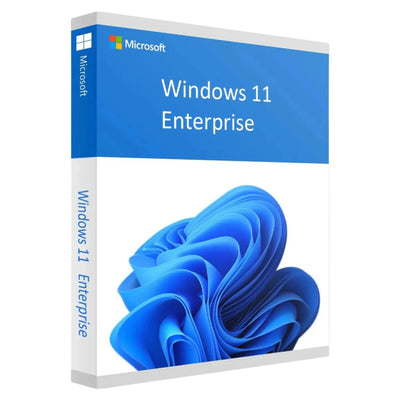
Windows 11 Enterprise
Edition for large enterprises with advanced IT management features
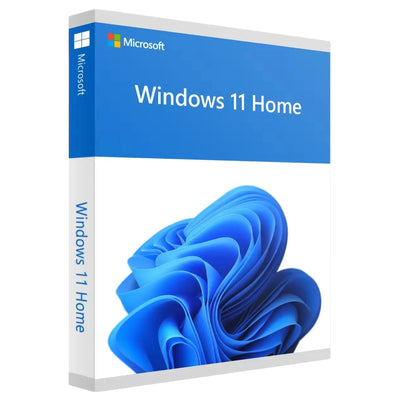
Windows 11 Home
Up to 128 GB RAM, 1 CPU – without BitLocker, Hyper-V or domain join
System requirements for Windows 11 Pro for Workstations
Processor
1 GHz or faster, 2+ cores on a compatible 64-bit Intel or AMD processor
RAM
at least 4 GB (8 GB or more recommended)
Storage
at least 64 GB of free storage, SSD recommended
Graphics
DirectX 12 compatible with WDDM 2.0 driver
Firmware
UEFI with Secure Boot
TPM
TPM version 2.0
Display
HD resolution (720p), 9 inches or larger, 8 bits per colour channel
Internet
required for download, activation and updates
Installing Windows 11 Pro for Workstations – guide in 5 steps
A quick overview of the most important steps. You can find a detailed, illustrated step-by-step guide with system requirements, BIOS settings and FAQ in our guide: Installing Windows 11 – step by step.
01
Check your email – You will receive the product key and download link after receipt of payment.
02
Download the Windows 11 ISO – Via the supplied link or the Microsoft Media Creation Tool.
03
Installation or upgrade – Clean reinstallation or a direct upgrade from Windows 10/11.
04
Enter the product key – Under Settings → System → Activation → Change product key.
05
Activate online – Connect the PC to the internet for automatic activation.
Karinex customer support
Service hours
Mon–Sun, 08:00–23:00
Channels
Phone · WhatsApp · Email · Live chat
Language
German
Frequently asked questions
What do I receive after the purchase?
You will receive by email the Windows 11 Pro for Workstations product key, a download link to the ISO, as well as an installation guide in German and an invoice with VAT.
Is this a one-time purchase?
Yes. Windows 11 Pro for Workstations is a purchase version – without a subscription and without recurring costs.
How fast is delivery?
Within a few minutes by email after receipt of payment. For bank transfers, 1–2 working days.
How do I install Windows 11 Pro for Workstations?
You can find a complete step-by-step guide with system requirements, BIOS settings, USB stick creation and activation in our guide Installing Windows 11 – step by step.
What distinguishes Pro for Workstations from Windows 11 Pro?
Pro for Workstations supports up to 6 TB of RAM (instead of 2 TB), 4 physical CPUs (instead of 2), the ReFS file system, Persistent Memory and SMB Direct – features that are not included in the standard Pro edition. Detailed comparison of the Pro editions: Windows 11 Pro vs. Enterprise.
On how many PCs can I install it?
This product key is intended for activation on one PC. Simultaneous use on multiple devices is not permitted.
Does the upgrade from Windows 10 work?
Yes. A direct upgrade from Windows 10 Pro or Pro for Workstations to Windows 11 Pro for Workstations is possible, provided the hardware meets the minimum requirements (TPM 2.0, Secure Boot).
What about the right of withdrawal?
The right of withdrawal of 14 days applies from conclusion of the contract, even after the key has been delivered.
Further recommendations
Complementary products from our range for your workstation.
Standard Pro edition with BitLocker, Hyper-V and Remote Desktop – ideal for SMEs without workstation requirements.
Microsoft Office 2021 Professional Plus
Complete Office suite with Word, Excel, PowerPoint, Access and Publisher – the perfect complement to your workstation.
Proven Pro edition for older hardware that does not support TPM 2.0 or Secure Boot.
Microsoft Office 2024 Professional Plus
The latest Office generation with updated features – as a one-time purchase without a subscription.
Further links
Legal information
Product type. Volume key for Microsoft Windows 11 Pro for Workstations with unlimited duration for use on one PC.
Delivery format. Exclusively digital by email, no physical delivery.
Trademark rights. Microsoft® and Windows® are registered trademarks of the Microsoft Corporation. These trademarks are used solely to describe the product. Karinex acts as an independent reseller.
Frequently Asked Questions
- How do I receive my product?
You receive your product key by e-mail immediately after ordering. - Can I return the product?
The statutory right of withdrawal of 14 days from conclusion of the contract applies to product keys (§ 355 BGB). This also applies if we have already delivered the key to you. - Does the key work immediately?
Yes, you can activate the product key immediately after receiving it. - Which operating system is the product for?
You can find the supported operating systems in the variant selector above the add-to-cart button.
Delivery & notes
- Digital delivery by e-mail — immediately after payment
- Product key ready to use immediately
- 14-day right of withdrawal from conclusion of the contract, also after the key has been delivered
- Problems with activation? Contact customer service
Buy together
This bundle deal is still available today:
04
HRS
06
MIN
27
SEC
Buy Windows 11 Pro for Workstations cheap – One-time purchase for 1 PC | Instant download
30,99 €
- Availability
- Instantly by e-mail after payment
- Right of withdrawal
- 14 days (statutory)
- One-time payment
- no recurring fees
- Customer service
- English · daily 8 am–11 pm
- Invoice
- With VAT shown separately
- Brand
- Microsoft
- Download guide
- included in the confirmation email
- Microsoft Partner Center
- Registered · Partner-ID 7018124
- Platform
- Windows 11
- Language
- German · Multilingual
- Article number
- 221579
Choose a product
Error – please try again
No products found

You might also like
Similar products
Customer reviews
Loading reviews