 Contact & help

Filters
47 items
Sort Topseller
Marke
Reduzierung
-
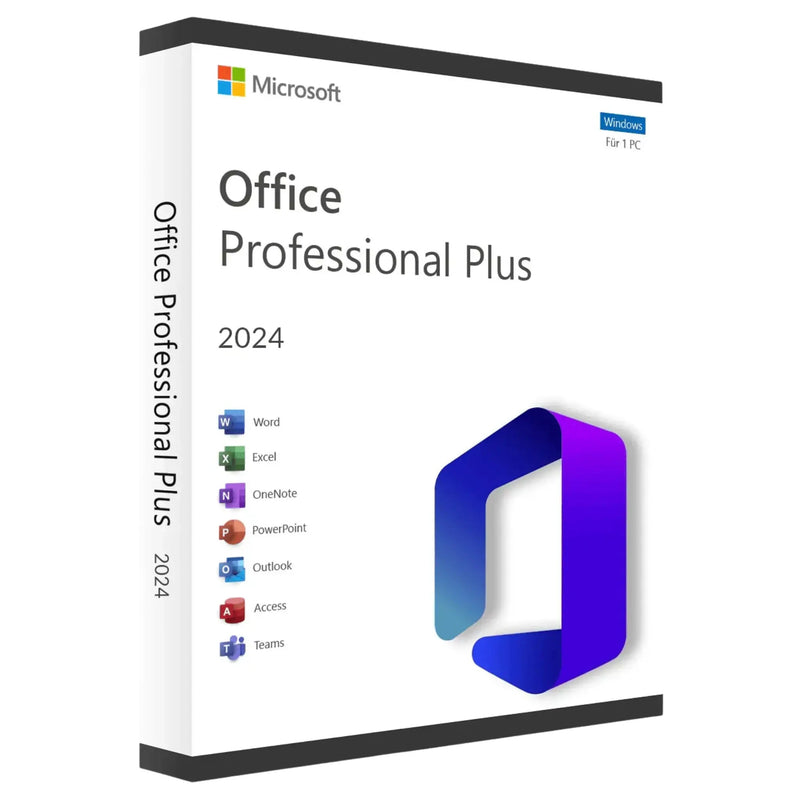
Buy Microsoft Office 2024 Professional Plus – Download -
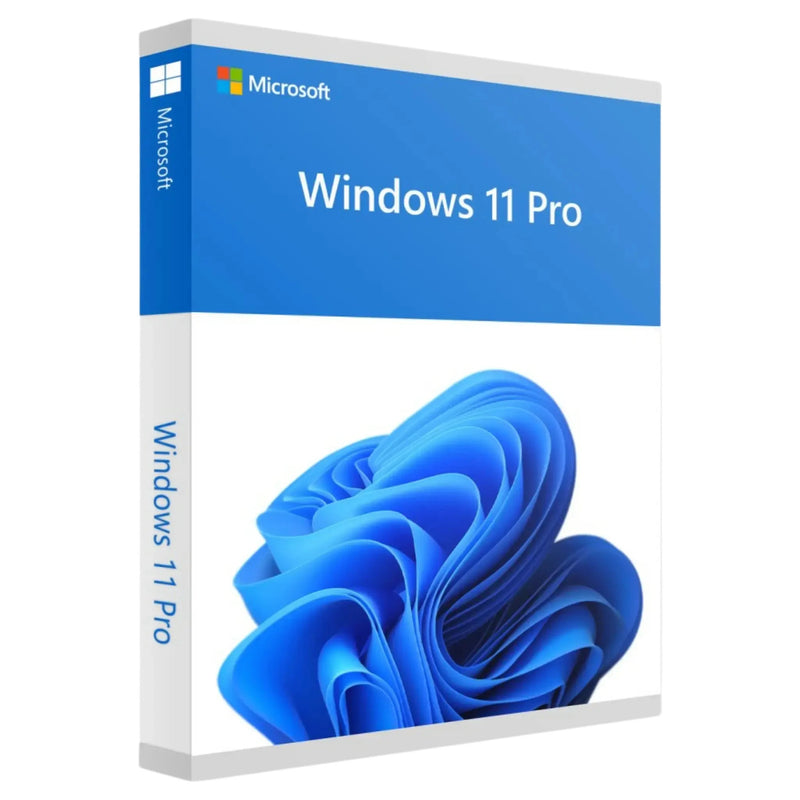
Buy Windows 11 Pro – Perpetual Licence 1 PC, Download -
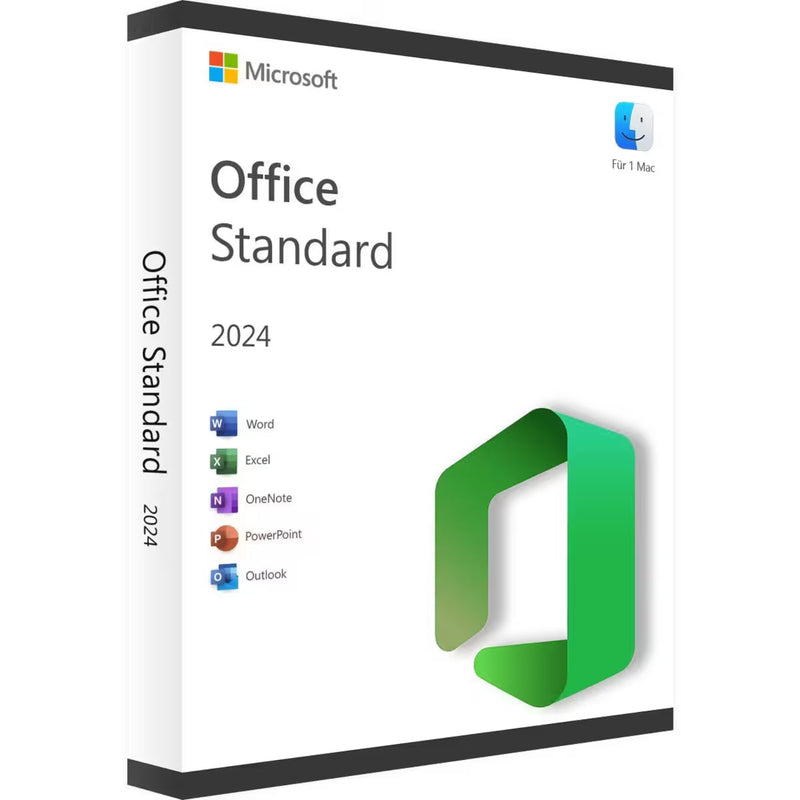
Microsoft Office 2024 Standard for Mac Key – Instant Download -
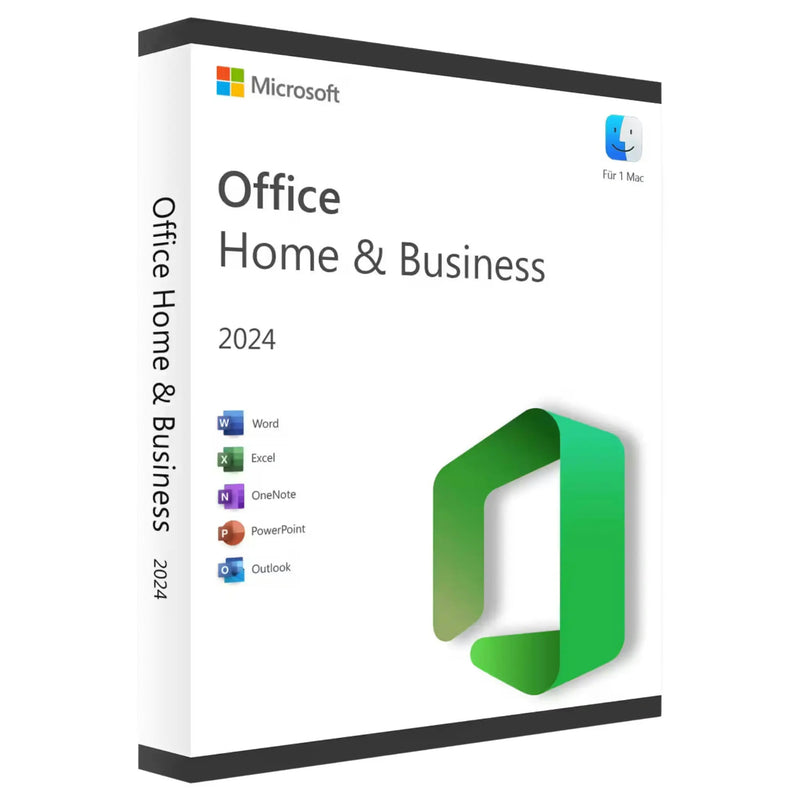
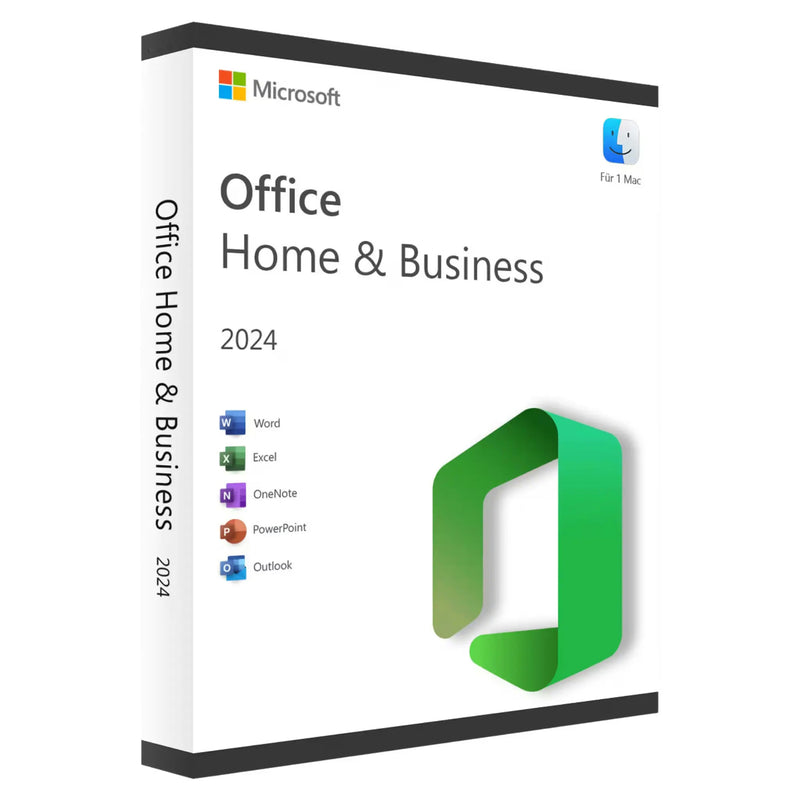
Microsoft Office 2024 Home & Business for Mac | Genuine License -
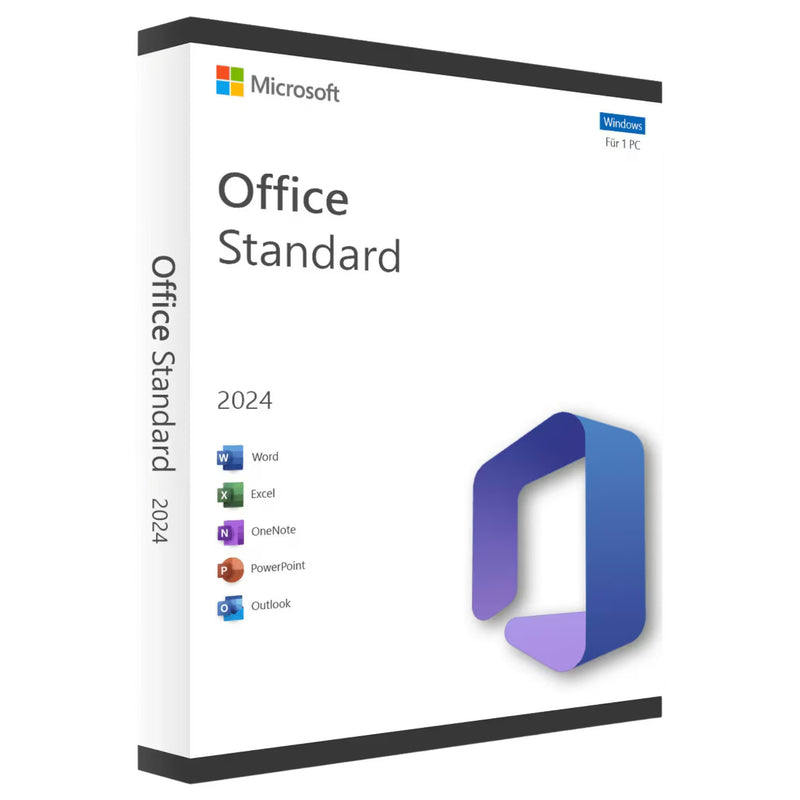
Microsoft Office 2024 Standard Full Version for Windows – Genuine License | Email Delivery -
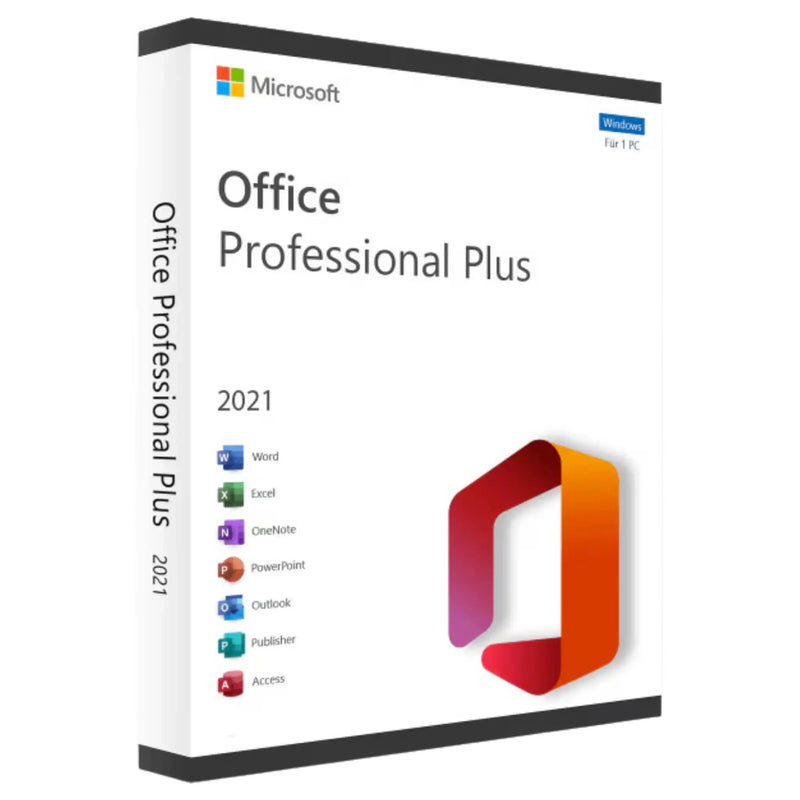
Microsoft Office 2021 Professional Plus – Volume License for 1 PC | Instant Download -
Microsoft Office 2024 Home & Business for Mac – Perpetual License | Instant Download -
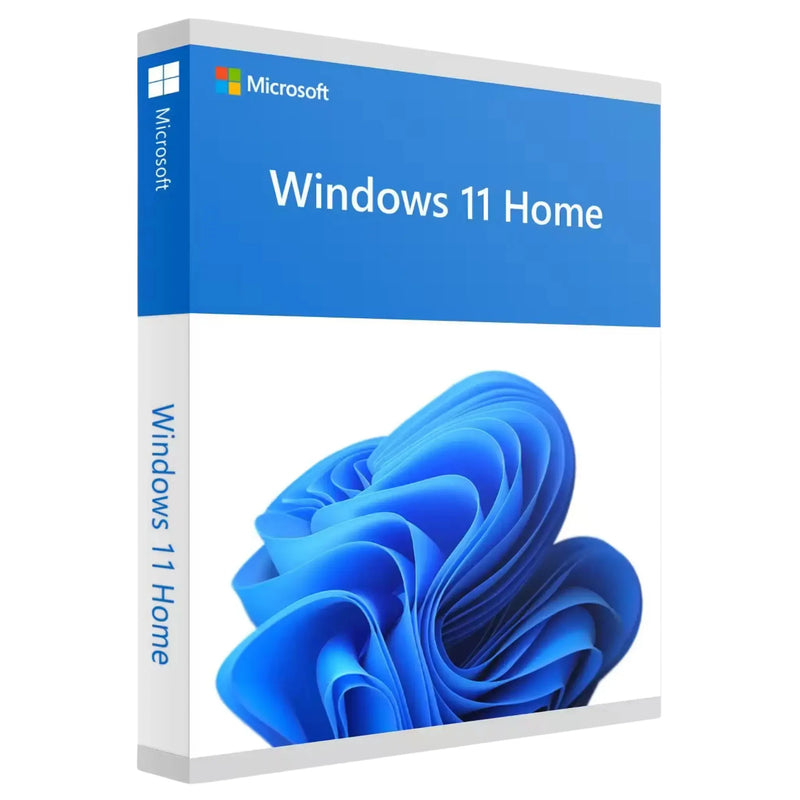
Buy Windows 11 Home Key – Genuine License + Instant Download for 1 PC -
Buy Microsoft Office 2021 Home & Business for Mac – Perpetual Licence for 1 Mac | Instant Download -
Microsoft Office 2024 Home for Windows – Original License | Email Delivery -
Microsoft Office 2024 Home & Business for Windows – Lifetime License for 1 PC | Instant Download -
Buy Windows 10 Pro | Genuine 32/64-Bit License Key – Instant Download -
Microsoft Office 2021 Standard Perpetual License – Download & Key for 1 PC -
Microsoft Office 2021 Standard for Mac – Product Key & Instant Download -
Buy Windows 11 Pro USB stick – perpetual licence + key sent instantly by email -
Microsoft Office 2021 Home & Student – Licence for 1 PC | Instant Download -
Buy Windows 11 Enterprise Key – Original Licence + Download for 1 PC -
Microsoft Office 2010 Professional Plus (PC) -
Microsoft Office 2016 Home and Business for Mac -
Microsoft Office 2019 Professional Plus for Windows – Genuine License | Email Delivery -
Windows 10 Home OEM -
Buy Microsoft SQL Server 2022 Standard – Genuine License | Instant Email Delivery -
Microsoft Office 2019 Standard Windows Full Version -
Windows Server 2025 Standard – Genuine License | Instant Download



















Buy Microsoft software as an original license: the complete range at a glance
On this page you will find every piece of software that KARINEX carries: Microsoft Office 2024 and 2021, Windows 11 and Windows 10, Windows Server, Visual Studio, SQL Server, Visio and Project. Every product is an original, unused Microsoft license that you activate directly with Microsoft. You pay once and use the software permanently, without a subscription and without monthly costs. The product key arrives automatically by email after purchase, usually within a few minutes, together with a download link, instructions and an invoice showing German VAT.
- Delivery: digital by email, usually within 60 seconds of payment
- Activation: directly via the official Microsoft servers
- License type: perpetual license with a one-time payment, no subscription
- Invoice: with VAT shown separately (19%), deductible for the self-employed and businesses
- Guarantee: statutory right of withdrawal (14 days) – no questions asked, until the key is delivered; the statutory right of withdrawal of 14 days also applies
This guide helps you choose: which Office package suits your work, which Windows edition suits your hardware, which server license suits your business. And it answers the question everyone asks the first time they see our prices: why do original licenses cost so much less at KARINEX than in retail?
Buy Microsoft Office: 2024, 2021 and the right edition
The Office category is the heart of our range. Microsoft Office is available as a perpetual license in two current generations and several editions that differ in feature scope:
Office 2024: the current generation
Office 2024 Professional Plus is the full package for Windows: Word, Excel, PowerPoint, Outlook, Access and Publisher in their latest versions, usable permanently on one PC. If you need the classic core programs without Access and Publisher, Office 2024 Standard is the leaner alternative. For self-employed people who mainly use Word, Excel and Outlook in their daily business, Office 2024 Home and Business is the proven middle ground with a license for commercial use.
Office 2021: the affordable classic
Office 2021 Professional Plus remains one of the best-selling licenses in the shop: the full feature set of the v2021 generation at a particularly low price. For most tasks in study, office and home office, the difference from the v2024 generation is barely noticeable in everyday use. Anyone wanting maximum up-to-dateness should choose 2024; anyone looking for the best value for money is well served with 2021.
Office for Mac
Apple users will find the right perpetual licenses in the Office for Mac category, from Home and Student to Home and Business, each native for macOS. Here too: buy once, use permanently, no ongoing costs.
Buy a Windows license: Windows 11 and Windows 10
In the Windows category you will find operating system licenses for every hardware generation. A detailed buying guide with version history, edition comparison and installation instructions is available directly on the category page; here is the most important information in brief:
Windows 11: the current version
Windows 11 Pro is the right choice for the self-employed and businesses: BitLocker encryption, Remote Desktop, Hyper-V and domain connectivity are part of the feature set. For everyday private use with browsing, Office, streaming and gaming, the Windows 11 Home Key is fully sufficient. Please note the hardware requirements of Windows 11: a TPM 2.0 chip and Secure Boot are required; on current devices, both are standard.
Windows 10: for older hardware
Regular support for Windows 10 ended in October 2025. For PCs that do not meet the requirements of Windows 11, or for software with special compatibility requirements, the Windows 10 Pro License still remains a sensible option, for example for secondary devices or existing systems. For a system with long-term security updates, we recommend switching to Windows 11; our guide to the Windows 11 ISO download offers step-by-step help.
Windows Server license: infrastructure for businesses
Businesses, organizations and IT service providers will find the foundation for company networks in the Windows Server category: from Windows Server 2025 with hotpatching, modern Hyper-V virtualization and Azure connectivity, through the proven 2022 and 2019 versions, to legacy licenses for existing environments. When it comes to licensing: the Standard edition is suitable for environments with little virtualization, Datacenter for highly virtualized data centers. In many scenarios, access licenses (CALs) are also required for users or devices. If you are unsure which combination you need, our support team will help you put it together before you buy.
Tools for developers and professionals
Beyond Office and Windows, we carry professional Microsoft tools as perpetual licenses:
- Visual Studio 2026 Professional: the complete development environment for .NET, C++, web and cloud, as a full version for one PC
- SQL Server 2022 Standard: the database system for business-critical applications in mid-sized companies
- Visio 2021 Professional: diagrams, network plans and organizational charts in professional quality
- Project Professional: project planning with Gantt charts, resource and cost management
Perpetual license or subscription: which suits you?
Microsoft offers its software in two ways: as a perpetual license for a one-time price and as a subscription (Microsoft 365). Both models have their merits, and we carry both in our range. The differences at a glance:
| Criterion | Perpetual license (e.g. Office 2024) | Subscription (Microsoft 365) |
|---|---|---|
| Cost | one-time, no further payments afterward | monthly or annually, ongoing |
| Term | unlimited, license remains valid permanently | ends when the subscription ends |
| Feature updates | security updates for the purchased version | always the latest features |
| Cloud storage | not included | 1 TB OneDrive per user included |
| Devices | usually 1 PC per license | several devices depending on the plan |
| Suitable for | anyone who wants to pay once and have peace of mind | teams who always need to work with the latest features |
Our experience: for most private users, students and self-employed people, the perpetual license pays off after just a few months. A detailed calculation with concrete figures can be found in our guide Buying Office 2024 as a perpetual license.
Why are original licenses so cheap at KARINEX?
The question is a fair one, and it deserves a precise answer rather than a marketing slogan. Three reasons come together:
1. The purchasing channel. Depending on the product, we source licenses through the Microsoft partner program Cloud Solution Provider (CSP), in which KARINEX is authorized (Microsoft Partner ID 7018124), or we resell original volume licenses under the EU principle of exhaustion. The Court of Justice of the European Union ruled in C-128/11 (UsedSoft) that reselling software licenses once placed on the market in the EU is permitted. Volume licenses were purchased by companies in large quantities and bought correspondingly cheaply; this price advantage is passed on to you.
2. The cost structure. We sell exclusively digitally: no warehouse, no shipping, no packaging, no store rent. What a retailer has to add to the box is completely eliminated for us.
3. Verifiability. You don't have to take our word for it: our registration in the Microsoft Partner Center is publicly viewable, every license is activated directly via Microsoft's servers, and § 5 of our Terms and Conditions transparently sets out the license origin. This exact traceability is what distinguishes an authorized dealer from an anonymous key marketplace.
How your purchase works
- Choose a product and pay: encrypted via credit card, Klarna, Apple Pay or Google Pay
- Receive your key: automatically by email, usually within 60 seconds of payment, with a download link and instructions
- Install and activate: download the software directly from Microsoft, enter the key, done
Because nothing needs to be shipped, we deliver around the clock, even at night, on weekends and on public holidays. Should an activation ever not work, you receive a free replacement key, as many times as needed until activation succeeds. Our German-speaking support is available daily from 06:00 to 23:00 via live chat, WhatsApp and email. Business customers with larger requirements will find terms for multiple licenses and consolidated invoices on our B2B page.
Frequently asked questions about buying software
Are the licenses legal?
Yes. We sell exclusively original, unused Microsoft licenses, sourced through the CSP channel or as a resale under the principle of exhaustion (CJEU C-128/11). Every key is activated directly with Microsoft. Details are set out in § 5 of our Terms and Conditions.
How quickly will I receive my software?
The product key is generated automatically after payment and is usually delivered by email within 60 seconds, including a download link and step-by-step instructions.
Will further costs arise later?
No. Every perpetual license is paid once and remains valid permanently. There is no subscription, no renewal fee and no hidden follow-up costs. Microsoft provides security updates for the purchased version free of charge.
Do I receive an invoice with VAT?
Yes, automatically with every order: a PDF invoice with separately shown German VAT (19%), fully usable for bookkeeping and tax returns.
What happens if activation does not work?
You receive a free replacement key, as many times as needed until activation succeeds. Simply contact our support with your order number.
Can I return a key I don't need?
In addition, the statutory right of withdrawal of 14 days applies; for digital keys, it expires upon activation (§ 356 (5) BGB).
Which Office version should I buy?
In short: Office 2021 Professional Plus for the best value for money, Office 2024 Professional Plus for maximum up-to-dateness, Home and Business if you only use Word, Excel and Outlook commercially, and Microsoft 365 if you need cloud storage and multiple devices. Every product page contains a detailed overview.
Do I need additional licenses for Windows Server?
Often yes: in addition to the server license itself, access licenses (CALs) for users or devices are required depending on the scenario. Our support team helps you put together the right combination before you buy.
You will find further answers in our Help Center. And if you are unsure which license suits you: write to us in live chat, we reply daily from 06:00 to 23:00.
Buying guide: the right software for every use case
Which license is right depends less on your budget than on what the computer is used for every day. The following recommendations summarize what has proven itself in thousands of consultations in our live chat:
For students and everyday private use
The combination of Windows 11 Home and Office 2021 Professional Plus fully covers studies, coursework, job applications and private correspondence, for a one-time total price well under 30 euros. If you already own a computer with Windows, you only need the Office package. A subscription is usually only worthwhile during studies if the OneDrive cloud storage is actively used.
For the self-employed and freelancers
Here, Windows 11 Pro is the right foundation: BitLocker encrypts customer and business data, Remote Desktop allows access to the office PC while on the go. This pairs well with Office 2024 Home and Business, which covers commercial use of Word, Excel and Outlook, or Professional Plus if Access and Publisher are also needed. The invoice with VAT shown separately is deductible as a business expense; the one-time purchase keeps the ongoing costs of self-employment low.
For small and medium-sized businesses
Businesses typically combine Windows 11 Pro on the workstations, Office perpetual licenses depending on the employee's role, and, for their own infrastructure, a Windows Server license with the appropriate CALs. The advantage of the perpetual license shows most clearly here: ten workstations with a subscription cost anew every year, ten perpetual licenses cost exactly once. For setups with several workstations, a quick inquiry via our B2B page is worthwhile.
For developers and IT professionals
Visual Studio 2026 Professional as a perpetual license is the alternative to the subscription model for anyone who needs a fixed development environment on a work computer. Add to that SQL Server for data management and, if needed, Windows Server for test and production environments. We deliver all three as an instant download with activation via Microsoft's servers.
For gamers and creatives
For gaming, Windows 11 is the right choice: DirectX 12 Ultimate, Auto HDR and DirectStorage are reserved for the current generation, and the Home edition is fully sufficient for this. Creatives working with large image and video projects benefit from the modern storage management under Windows 11 and, depending on their workflow, add an Office package for quotes, invoices and project organization.
Understanding license types: Retail, OEM, Volume and ESD
When buying software, you will encounter various license types that mainly differ in transferability. Knowing these terms protects against bad purchases:
- Retail: the classic retail license. Not permanently tied to a device; may move to a new PC in the event of a hardware change, if it is deactivated on the old one
- OEM: tied to the first device on which it is activated. This makes it cheaper than Retail; the right choice if the license is meant to remain permanently on one computer
- Volume license: purchased by companies in large quantities. These are exactly the licenses that may be resold under the principle of exhaustion and are the source of many particularly cheap offers
- ESD (Electronic Software Distribution): refers to the purely digital delivery of the key by email, without a data carrier. Our standard delivery method
The applicable license type is stated in the description of every product. If transferability to future computers matters to you, pay attention to this information before buying.
How to recognize a reputable license dealer
The market for software keys has a wide price range, and unfortunately some bad actors too. A few objective criteria help with the assessment, regardless of where you buy:
- Verifiable identity: a complete legal notice with a German address and a verifiable registration, in our case in the Microsoft Partner Center with a publicly viewable profile
- Transparent license origin: a clear statement of where the keys come from. With us it is set out in § 5 of our Terms and Conditions: CSP channel or resale under the principle of exhaustion
- Proper invoice: with VAT shown separately, not just a payment confirmation
- Reachable support: fixed service hours and several contact channels instead of an anonymous contact form
- Realistic guarantees: concrete, verifiable commitments such as a replacement key for activation problems, instead of vague promises
This list applies universally. You can verify that we meet every one of these points yourself, on this page, in our Terms and Conditions and in the Microsoft Partner Center.
First steps after your purchase
After your key is delivered, it takes three short steps to get your software up and running. First: download the installation files directly from Microsoft; you will find the right link in your delivery email. Downloading from Microsoft guarantees that you receive an unmodified original installation. Second: install the software and enter the product key, for Windows under Settings, System, Activation, for Office directly on first launch. Third: after activation, check whether updates are available, so your system is up to date from day one. Keep the delivery email with the key permanently; when reinstalling later on the same device, the license usually reactivates itself automatically.
Important terms briefly explained
- Product key: the string of characters with which you unlock your software as licensed with Microsoft
- Activation: the one-time confirmation of the license via Microsoft's servers, after which it can also be used offline
- Perpetual license: pay once, use without limit; the counter-model to a subscription
- CSP (Cloud Solution Provider): the Microsoft partner program through which authorized dealers source licenses directly
- Principle of exhaustion: the EU legal principle (CJEU C-128/11) under which software licenses once sold in the EU may be resold
- CAL (Client Access License): access license required for Windows Server for accessing users or devices
- TPM 2.0: the security chip that Windows 11 requires; standard on current PCs
Can I also buy software for another PC at the same time?
Yes. Each license applies to the number of devices stated in the product description, usually one PC. For multiple computers, simply order the corresponding number of licenses; each one comes as its own key. Businesses with larger requirements receive a bundled offer with a consolidated invoice via the B2B inquiry.
Do the licenses also work in German and other languages?
Yes. Microsoft product keys are language-neutral: you choose the language when downloading the installation files. German, English and other languages are available free of charge from Microsoft.
Does KARINEX also deliver abroad?
Yes. We deliver digitally to Germany, to 17 other European countries as well as to Switzerland, Norway and the USA. Digital delivery generally incurs no shipping costs; all prices include statutory VAT.
All Windows versions and editions at a glance
Windows exists in far more editions than most buying guides show. The following overview maps out the complete field, from the current generation to the special editions for business and industry. We are continually expanding our range with further Windows editions and versions; if something is not yet listed in the shop, simply ask us via live chat.
Windows 11: all editions of the current generation
The foundation is formed by Windows 11 Home for private users and Windows 11 Pro for the self-employed and businesses. In addition, there are several specialist editions: Windows 11 Education for schools and universities (functionally largely identical to Enterprise), Windows 11 Pro for Workstations for high-performance hardware with up to four processors and 6 TB of RAM, as well as Windows 11 Enterprise with extended management and security features for larger organisations. For systems that must run unchanged for years (tills, industrial PCs, medical devices), there are Windows 11 Enterprise LTSC 2024 and Windows 11 IoT Enterprise LTSC 2024, which receive only security updates and, in return, offer particularly long support periods.
The N editions: Home N and Pro N
An N variant exists for almost every Windows edition, for example Windows 11 Home N. The N stands for the EU edition, which ships Windows without Media Player and the media apps. Functionally, an N edition is otherwise identical: same performance, same updates, same support. The missing media features can be fully retrofitted with Microsoft's free Media Feature Pack. N licences are occasionally cheaper and of interest to anyone who already uses their own media software.
Windows 10: all editions of the previous generation
Windows 10 was released in the same range of editions: Home, Pro, Pro for Workstations, Education, Enterprise, as well as the long-term channels. The LTSB/LTSC series (2015, 2016, LTSC 2019, LTSC 2021) forgoes feature updates and instead receives security updates for many years; Windows 10 Enterprise LTSC 2021 is supported until January 2027. The IoT editions extend this even further: Windows 10 IoT Enterprise 2019 LTSC is the lowest-maintenance Windows platform for permanently installed systems, with support well beyond the end of standard Windows 10. Please note: regular support for the standard editions of Windows 10 ended in October 2025; for new installations with long-term update coverage, Windows 11 is the right choice.
Older Windows versions: 7 and 8.1
For existing systems, legacy software and older hardware, we continue to offer Windows 7 Professional and Windows 7 Home Premium as well as Windows 7 Ultimate as an original licence. Important for context: support for Windows 7 ended in January 2020, and for Windows 8.1 in January 2023; neither receives security updates any longer. We recommend using them only where technically necessary, for example for drivers or industry software that does not run on newer versions, and ideally without a permanent internet connection. For all other purposes, switching to Windows 11 is the safe solution.
All Office versions from 2010 to 2024
Microsoft Office also has a long version history, and depending on hardware, budget and compatibility requirements, an older perpetual licence may be the right choice:
- Office 2024: the current generation with Professional Plus, Standard and Home and Business; for private users without Outlook, also available as Office 2024 Home
- Office 2021: the value-for-money package, also available as a Standard perpetual licence and Home and Student
- Office 2019: proven and affordable, as Professional Plus and Home and Student; support ended in October 2025, still usable for purely offline work and existing computers
- Office 2016: for older systems and specific compatibility requirements, same support notice as 2019
- Office 2010 Professional Plus: the classic for very old hardware; support ended in October 2020, only sensible for offline existing systems now
The edition logic is the same across all generations: Home and Student for the core programs for private use, Home and Business with Outlook and commercial use, Standard for businesses, Professional Plus as the full package. In addition, there are the standalone applications Visio and Project 2021 Professional for diagrams and project planning.
Windows Server: all generations and the matching CALs
Our Server range spans from Windows Server 2008 R2 for legacy environments, through the proven generations 2016, 2019 and 2022, to Windows Server 2025 Standard with hotpatching and Azure integration. Each generation comes in tiers: Essentials for small businesses with up to 25 users (no separate access licences required), Standard for environments with limited virtualisation, Datacenter for highly virtualised data centres, and from 2022 also as Datacenter Azure Edition. Almost every server requires access licences: User CALs license people, Device CALs license devices, and anyone providing Remote Desktop sessions additionally needs RDS CALs. Which combination is the most economical for your environment is something we are happy to clarify before purchase via live chat or the B2B enquiry.
A note for completeness: Microsoft also offers numerous special SKUs, such as country-specific editions or discontinued product lines. We deliberately focus our range on the versions that can be sensibly deployed and activated in Germany and Europe, and we are continually expanding it. If you are missing a particular edition, write to us; we can often offer it at short notice.
Delivery formats: ESD, USB stick, DVD and volume licence
The same Windows or Office licence is available in different delivery formats, and the choice depends solely on how you want to install it. The standard at KARINEX is ESD (Electronic Software Distribution): you receive the product key and the official download link by e-mail, usually within a few minutes of payment being received. This is the fastest and cheapest format, entirely sufficient for any computer with internet access.
Anyone who prefers a physical installation medium, for example for computers without a fast internet connection or as an archive copy for the shelf, chooses Windows 11 Pro on USB stick or Windows 11 Pro as a DVD with OEM licence; here too, the key is sent in advance by e-mail, and the medium follows by post. For businesses wanting to activate and centrally manage multiple workstations with a single key, the Windows 11 Pro volume licence is the appropriate format; for larger quantities, a short B2B enquiry is worthwhile, with tiered pricing on invoice.
Microsoft Office for Mac: all versions in our range
Office for Mac is its own product line with its own installers, and here too we offer every current generation as a perpetual licence:
- Office 2024 Home & Business for Mac: the current generation with Word, Excel, PowerPoint and Outlook, native for Apple Silicon (M1 to M4) and Intel; alternatively as Office 2024 Home & Business Mac licence with e-mail delivery
- Office 2024 Standard for Mac: the business edition of the current generation
- Office 2021 Home & Business for Mac: the more affordable value-for-money package, also with Outlook
- Office 2021 Standard for Mac: for business Macs with classic volume activation
- Office 2016 Home & Business for Mac: for older macOS versions and existing devices; Microsoft support ended in October 2020, so only sensible for offline existing systems now
Important when choosing: the Mac editions do not include Access or Publisher; these two programs are only available for Windows. In return, the 2021 and 2024 versions run natively on Apple Silicon processors and integrate into macOS with Dark Mode and Handoff.
Microsoft 365: Office by subscription instead of a perpetual licence
Alongside the perpetual licences, we also offer the subscription family: Microsoft 365 Family provides up to six people with all Office apps and 1 TB of OneDrive cloud storage each, Microsoft 365 Single is the same package for one person, and Microsoft 365 Business Standard adds Teams, an Exchange mailbox and SharePoint for businesses. The rule of thumb from the buying guide above also applies here: anyone who always needs the latest version, cloud storage and use across multiple devices is well served by the subscription; anyone who buys a software package once and uses it unchanged for years saves significantly with the perpetual licence.
Developer tools: Visual Studio as a perpetual licence
For software development, we offer Microsoft's development environment in several tiers: Visual Studio 2022 Professional as the proven previous version, the current generation Visual Studio 2026 Professional for individual developers and small teams, as well as Visual Studio 2026 Enterprise with extended testing, analysis and architecture tools for larger projects. All three are perpetual licences for 1 PC each, delivered as a key with a download link by e-mail.
Personal setup instead of instructions
If you would rather not handle installation and activation yourself, simply add the personal setup service to your licence: a member of our team sets up Windows or Office together with you via remote support until everything is running. Our support is available for this daily from 06:00 to 23:00, via live chat, WhatsApp or e-mail.
Who is KARINEX?
KARINEX is a software retailer based in Hamburg, Germany, and part of the Microsoft Cloud Solution Provider (CSP) partner programme. We sell genuine digital licences for Microsoft products only: you receive the product key by email, together with the official download link, step-by-step instructions and an invoice with VAT stated.
Read more about the company on the About KARINEX page. Businesses with larger needs get volume pricing and personal advice via the B2B enquiry, and our customer service is happy to help with any question.
Frequently asked questions about buying Microsoft licences
How quickly do I receive my licence key?
Delivery is automatic: right after your payment is confirmed you receive the product key with download link and instructions by email, usually within a few minutes, around the clock on every day of the week.
Are the licences genuine and legal?
Yes. We supply legal genuine licences only. Depending on the product they come from the Microsoft Cloud Solution Provider (CSP) partner programme, in which KARINEX is authorised, or they are genuine volume licences resold under the European principle of exhaustion.
Which payment methods are accepted?
You pay securely by credit card (Visa, Mastercard, American Express), Klarna, Apple Pay, Google Pay, instant bank transfer, on invoice or by prepayment. All payments are SSL-encrypted.
Can I return a licence?
For licence keys, the statutory right of withdrawal of 14 days from conclusion of the contract applies (§ 355 BGB). It expires with delivery of the key if you expressly agreed to immediate delivery before ordering (§ 356 (5) BGB, German Civil Code).
When is support available?
Our support team is there for you every day, Mon–Sun, 08:00–23:00 (German local time), via live chat, WhatsApp and email. Key delivery itself runs around the clock independently of these hours.





